How to Calculate Overtime Pay (Without the Spreadsheet Headache)
Learn how to calculate overtime pay with a simple formula, worked examples, and the daily vs weekly threshold rules every small team should know.
Overtime math looks simple until payroll day arrives and someone worked ten hours on Tuesday, took a half day Friday, and picked up a Saturday shift. Now you are staring at a spreadsheet trying to remember whether the extra Tuesday hours count, or only the weekly total. Most small teams get this wrong at least once, and it is almost never on purpose.
The good news is that overtime pay comes down to three numbers and one decision. Once you know the pattern, you can calculate it for anyone in under a minute.
TL;DR
- Overtime pay = hours over the threshold, multiplied by the hourly rate, multiplied by the overtime rate (usually 1.5).
- The threshold can be daily, weekly, or both, and this is the single biggest source of errors.
- Your base rate often includes more than the plain wage, such as shift differentials and some bonuses.
- Overtime rules differ by country and contract, so confirm your local law before you finalize anything.
- Automating the count removes the spreadsheet headache and the awkward corrections later.
The overtime formula, in plain terms
Every overtime calculation is built from the same three ingredients.
- Hourly rate. What the person earns for one regular hour of work.
- Threshold. The number of hours after which extra pay kicks in.
- Overtime multiplier. The factor applied to the rate above the threshold, commonly 1.5.
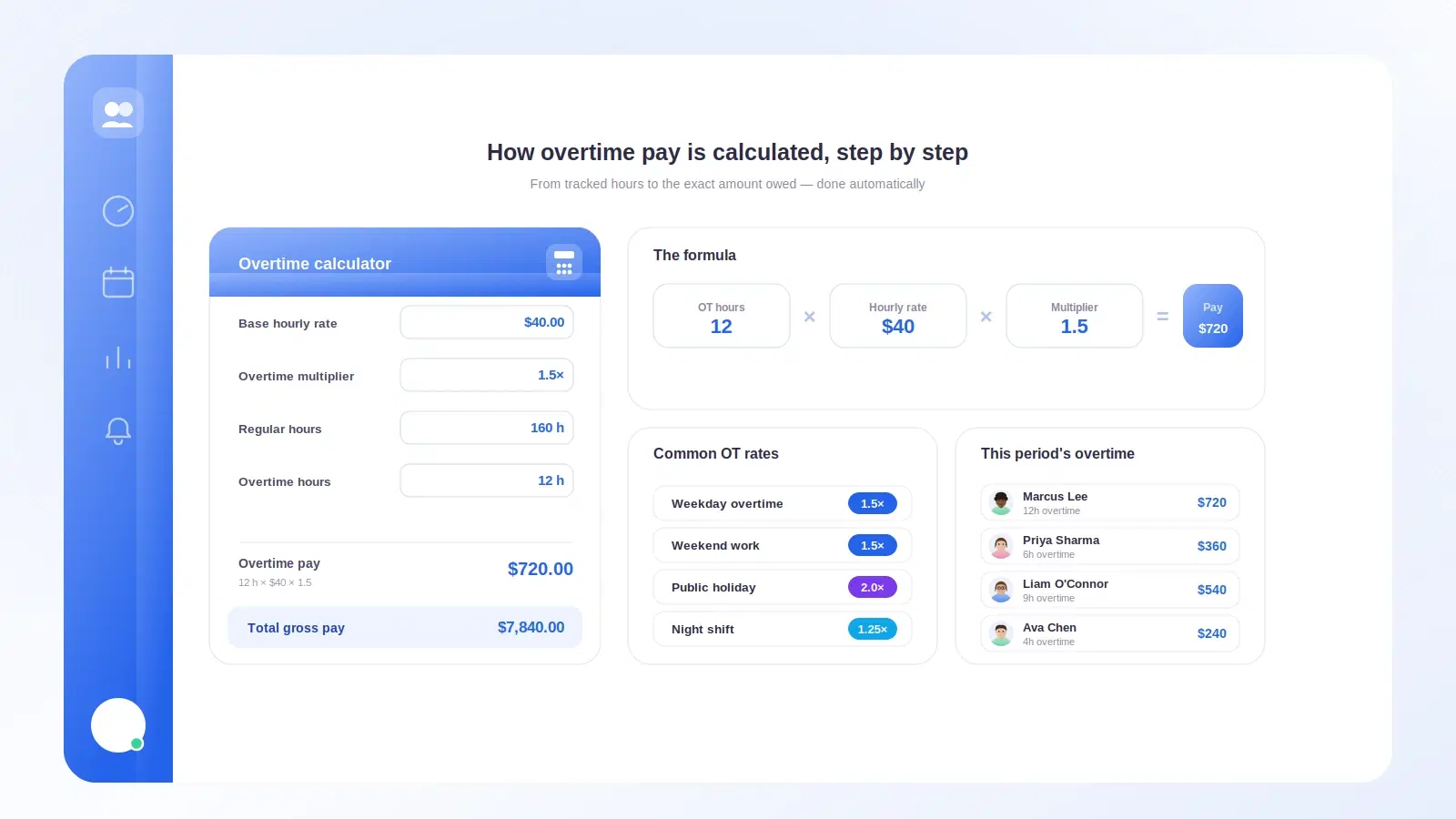
Put together, the overtime calculation formula is:
Overtime pay = overtime hours x hourly rate x overtime multiplier
The multiplier of 1.5 is what people mean when they say "time and a half." Some hours, such as work on public holidays or beyond a second daily threshold, may carry a higher multiplier like 2.0, often called double time. Which rate applies, and when, is set by law or contract, not by preference.
A quick note on the "regular rate"
Here is the part that trips people up. The rate you multiply by is not always the plain hourly wage. In many systems it is a regular rate that folds in extras earned during the period, like a shift differential for night work or certain non-discretionary bonuses.
If a night-shift worker earns a small premium per hour, that premium usually has to be baked into the base before you apply the multiplier. Skip it and you underpay overtime by a little every time, which adds up and can create back-pay problems.
Daily vs weekly overtime thresholds
The threshold is where good intentions go sideways. There are three common models, and the one you use changes the answer completely.
| Model | When overtime starts | Example rule |
|---|---|---|
| Weekly | After a set number of hours in the week | Over 40 hours in a week |
| Daily | After a set number of hours in a single day | Over 8 hours in a day |
| Both | Whichever threshold is crossed first | Over 8 daily or 40 weekly |
With a weekly threshold, a long Tuesday does not matter on its own. What matters is the total at the end of the week.
With a daily threshold, those extra Tuesday hours count as overtime immediately, even if the weekly total stays low.
When both apply, you calculate each, then make sure you are not paying the same hour twice. This is genuinely fiddly by hand, which is exactly why it belongs in software.
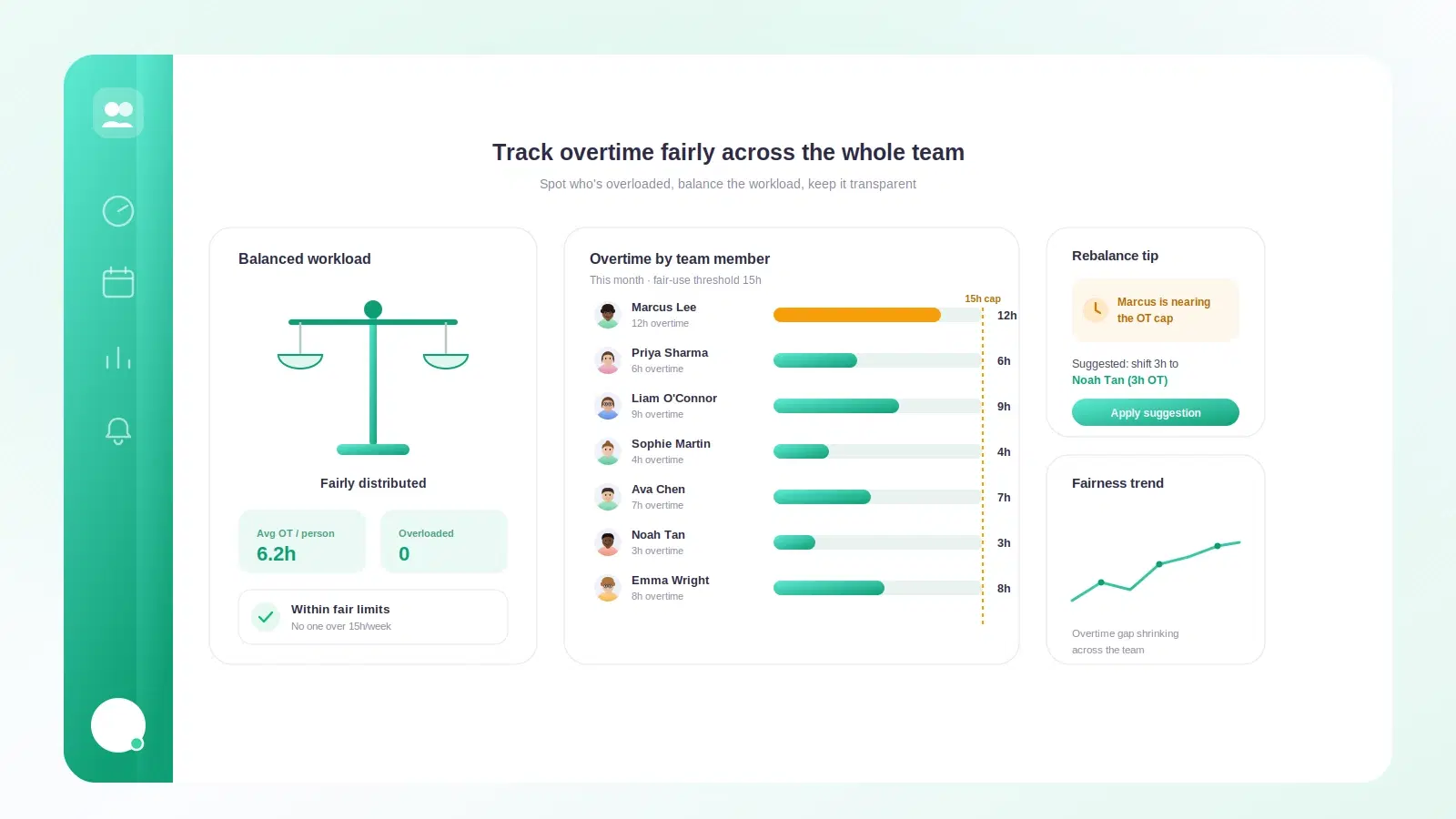
For a broader view of how to keep this equitable across a team, our guide on how to track overtime fairly walks through policy and consistency, not just the math.
A worked example with real numbers
Let us run a full week for someone named Priya. She earns 20 per hour. Her company uses a weekly threshold of 40 hours with a 1.5 multiplier, and no daily rule.
Here is her week:
| Day | Hours worked |
|---|---|
| Monday | 8 |
| Tuesday | 10 |
| Wednesday | 8 |
| Thursday | 9 |
| Friday | 7 |
| Saturday | 4 |
| Total | 46 |
Now the calculation.
- Total hours: 46.
- Regular hours: 40 (the threshold).
- Overtime hours: 46 minus 40 = 6.
- Regular pay: 40 x 20 = 800.
- Overtime pay: 6 x 20 x 1.5 = 180.
- Gross pay for the week: 800 + 180 = 980.
Notice that the big Tuesday and the Saturday shift did not each trigger overtime on their own. Under a weekly model, only the total above 40 counts.
Same week, daily threshold
Now imagine the same hours under a daily threshold of 8 hours, 1.5 multiplier.
- Tuesday: 2 overtime hours (10 minus 8).
- Thursday: 1 overtime hour (9 minus 8).
- Every other day: at or under 8, so no daily overtime.
- Overtime hours total: 3.
- Overtime pay: 3 x 20 x 1.5 = 90.
- Regular hours: 46 minus 3 = 43, at 20 = 860.
- Gross pay: 860 + 90 = 950.
Same person, same hours, two different totals. This is why "how to calculate overtime pay" always starts with "which threshold applies to us."
Common overtime mistakes to avoid
Small teams tend to repeat the same handful of errors. Watch for these.
- Using the wrong base rate. Forgetting shift differentials or qualifying bonuses when building the regular rate.
- Mixing up daily and weekly. Applying a weekly rule when your region uses daily, or double-counting when both apply.
- Counting unpaid breaks. Meal breaks that are unpaid usually do not count toward the threshold. If you are unsure what counts, our piece on whether breaks count as hours worked breaks it down.
- Rounding aggressively. Rounding every shift down to the nearest hour quietly shaves real pay over a month.
- Treating all salaried staff as exempt. Some salaried roles still qualify for overtime. Do not assume.
- Relying on memory. People forget the odd Saturday shift. Untracked hours are unpaid hours.
A note on the law
Overtime rules are set locally and they vary a lot. Some countries define overtime by the day, others by the week, and the multipliers differ too. The concept of overtime as premium pay for extra hours is widely shared, but the specifics are not.
Treat everything here as the general pattern, then confirm the exact threshold, multiplier, and base-rate rules that apply to your team and contracts. When in doubt, check with a local payroll or legal advisor. This article is a guide to the math, not legal advice.
How Tickin handles overtime for you
This is the one section where we talk about our own product, because overtime is a place where automation genuinely earns its keep.
Tickin tracks hours as your team clocks in and out, whether that is in Slack or the optional desktop app, with Microsoft Teams on the Scale plan. You set your threshold once, daily or weekly, along with your multiplier, and Tickin applies it every pay period without anyone rebuilding a spreadsheet.
- Overtime is flagged automatically as hours cross your threshold.
- Daily and weekly rules are handled together, so nobody double-pays an hour.
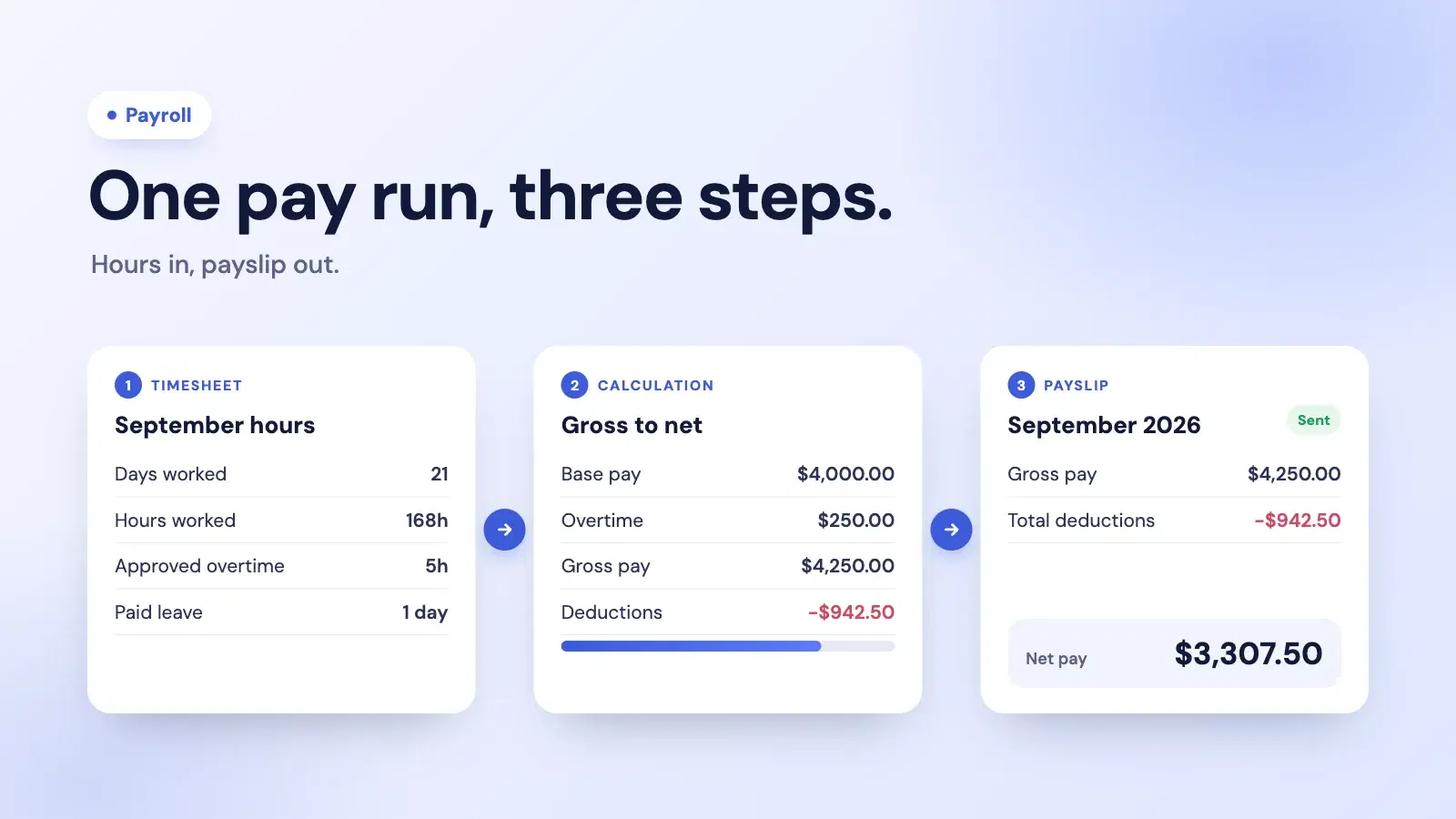
- The overtime that Tickin calculates flows straight into payslips, so you are not re-keying numbers. If that part interests you, see how we automate salary slips.
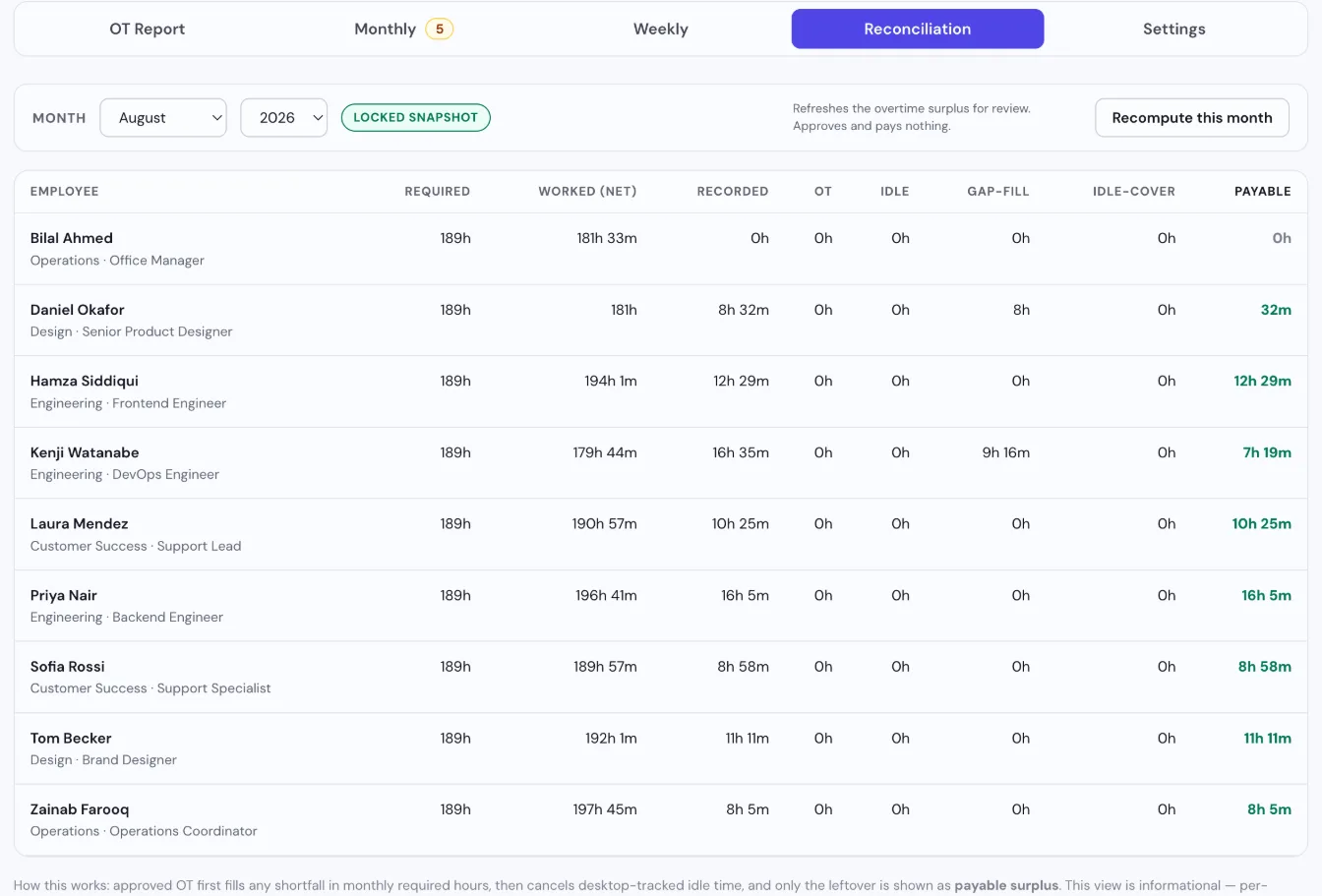
Automatic overtime detection is part of the Growth plan. You can see the full picture on our features page, or start for free — free covers up to 10 employees — to get attendance and time tracking in place, then move to Growth to have overtime detected and applied for you.
Bringing it together
Overtime is not hard once you separate it into parts. Find the hourly rate, pick the correct threshold, apply the multiplier, and be honest about what belongs in the base rate. Do that consistently and payroll day stops being a guessing game.
The two things worth getting right first are your threshold model and your source of hours. Nail those, confirm your local rules, and the numbers take care of themselves.
Ready to stop wrestling the spreadsheet? Start free with Tickin and let it count the hours for you, then read how to track overtime fairly to make sure your policy is as solid as your math.
Frequently asked questions
What is the standard overtime multiplier?
The most common overtime multiplier is 1.5, often called time and a half. Some regions or contracts require double time for certain hours, so always confirm the rules that apply to you.
Is overtime calculated daily or weekly?
It depends on where you operate. Some places count overtime after a set number of hours in a single day, others after a weekly threshold, and some use both. Check your local rules before you set a threshold.
Do breaks count toward overtime hours?
Usually only paid or on-duty time counts toward the threshold. Unpaid meal breaks are typically excluded, but short rest breaks are often included. The details vary by jurisdiction.
How do I calculate overtime for a salaried employee?
First convert the salary into an equivalent hourly rate by dividing pay by the hours it covers, then apply the overtime multiplier to hours above the threshold. Some salaried roles are exempt from overtime entirely.
What is the most common overtime mistake?
Forgetting to include shift differentials, bonuses, or allowances in the base rate used for the multiplier. Overtime is often owed on a regular rate that is higher than the plain hourly wage.