GPS Attendance & Geofencing: Verify Where Clock-Ins Happen
How GPS attendance and geofencing verify where clock-ins happen, when location tracking is worth it, and how to roll it out without over-surveilling.
A construction manager I spoke to used to start every payroll week with the same argument. A crew member swore he was on site at 7am. The site log said the gate opened at 7:40. There was no way to prove either version, so the manager paid the disputed hours and quietly resented it. Multiply that by a dozen workers across three sites and you get a payroll built on trust nobody could verify.
GPS attendance exists for exactly that situation: when where someone clocks in is part of the job, and a timestamp on its own is not enough.
TL;DR
- GPS attendance records the location of each clock-in; geofencing checks it against an approved boundary and blocks punches from the wrong place.
- It is built for field, site, and shift work, not for office or remote teams who only need a timestamp.
- Done right it settles pay disputes and confirms coverage; done wrong it feels like surveillance and drives good people away.
- Keep it to clock-in events during working hours, disclose it clearly, and turn it off for roles that do not need it.
What GPS attendance actually does
Ordinary attendance records when someone clocked in. GPS attendance adds where. At the moment an employee punches in, the app reads the device's coordinates and stores them alongside the timestamp. That is the whole idea.
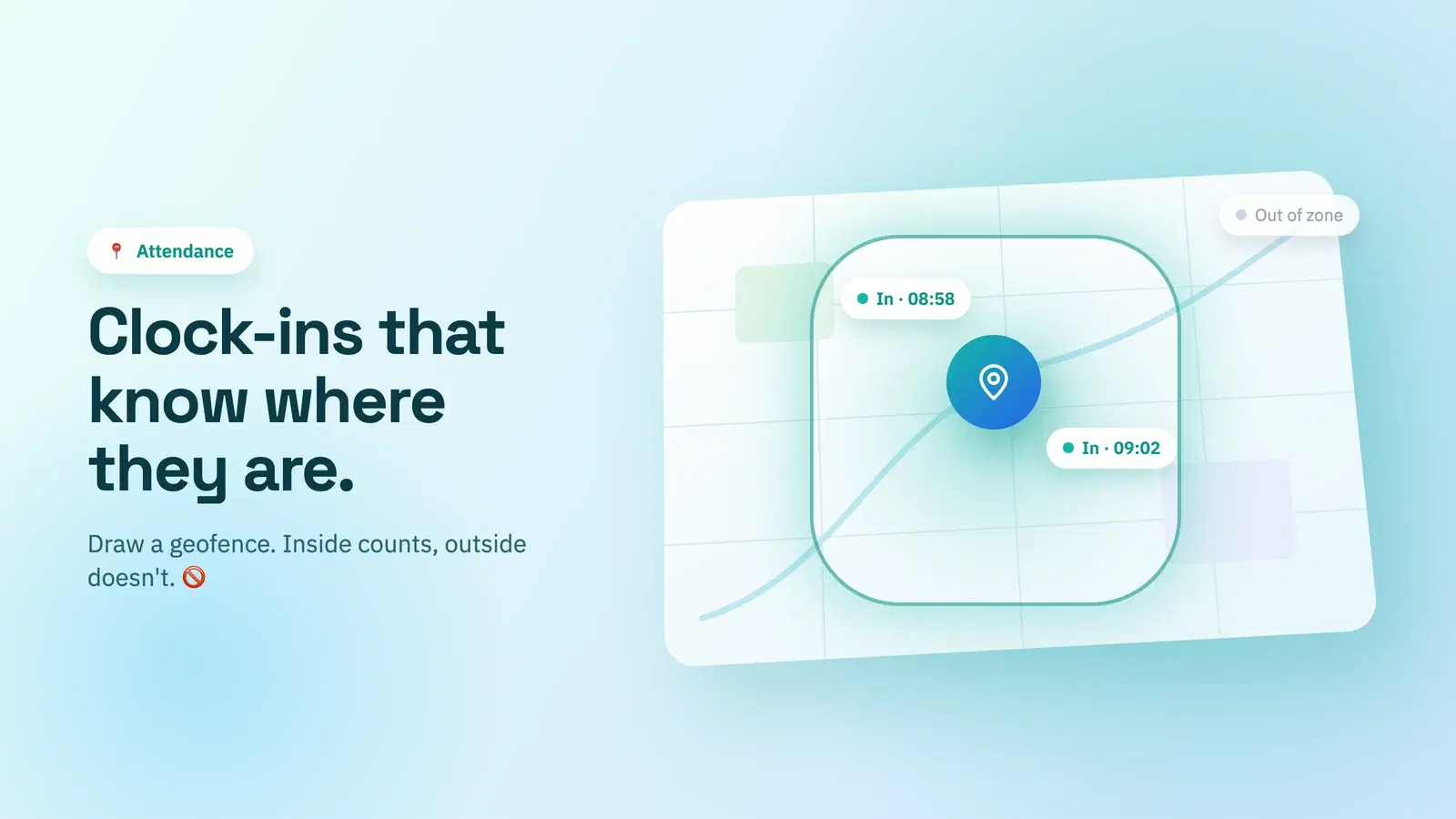
Geofencing is the rule you put on top of that location. You draw a circle around a place of work, say a 150-metre radius around a site office, and the system only accepts clock-ins from inside it. Try to punch in from home or the car park down the road and the app declines, or flags it for a manager. It is the digital version of the site gate that finally has a memory.
The point is not to watch where people are all day. A good system reads location only at the clock-in and clock-out events, not continuously, so it answers one question — "were you at work when you said you started?" — and nothing more.
When it's worth it (and when it isn't)
This is the part most buyers get wrong, so be honest about your situation. GPS attendance is a specialist tool, not a default.
| Team type | Does location matter? | Right fit? |
|---|---|---|
| Field technicians, delivery, trades | Yes — being at the site is the work | GPS + geofencing |
| Retail, hospitality, multi-site shifts | Often — you need the right person at the right branch | Geofencing per location |
| Office staff | No — presence is a desk, not a job | Simple web/chat clock-in |
| Remote / work-from-home | No — location is irrelevant and intrusive | Chat clock-in, no GPS |
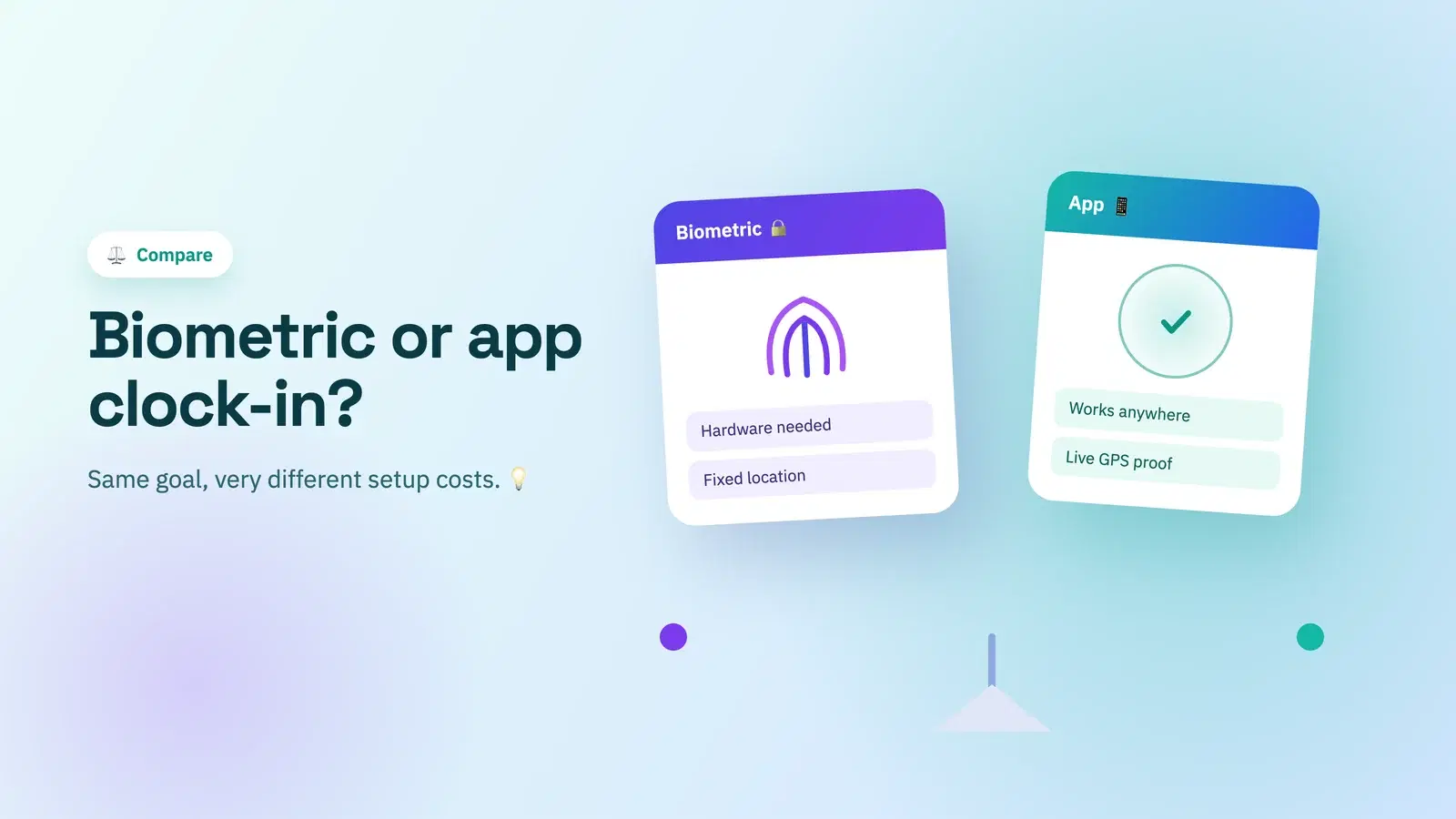
If your team sits at desks or works from home, location verification adds friction and mistrust while proving nothing useful. We walk through the lighter options in how to track attendance for a remote team. Reach for GPS only when the job genuinely happens at a place. And if you're weighing location against fingerprint or face verification, compare them in biometric vs app-based attendance.
Getting it right without over-surveilling
Location data is sensitive, and employees know it. The difference between a system people accept and one they resent comes down to a few rules.
- Read location only at clock-in and clock-out. Never track continuously. If your tool follows people through the day, that is surveillance, not attendance.
- Scope it to working hours. Off the clock, the app should see nothing.
- Disclose it plainly. Tell people what is collected, when, and why, in writing, before you switch it on. Employee monitoring sits inside a real legal and ethical framework worth understanding first; the overview on geofencing is a reasonable starting point.
- Apply it by role, not blanket. Field crews may need it; the accounts team does not. Turn it on only where the work calls for it.
- Pair it with a clear policy. Location rules belong in your written attendance policy best practices so nobody is surprised.
Handled this way, GPS attendance stops being "big brother" and becomes what it should be: a fair, shared record that ends the he-said-she-said. It is also one of the most effective ways to shut down buddy punching, where one worker clocks in for another.
A quick worked example
Say you run three sites and pay from clock-in data. You set a 150-metre geofence around each. On Monday the log shows:
- Site A: 6 clock-ins, all inside the fence, 6:55–7:05am. Clean.
- Site B: 4 inside, 1 flagged 900m away at 6:50am. The flagged worker was stuck in traffic and punched in early from the road.
- Site C: 5 inside, on time.
The flag on Site B is not an accusation, it is a conversation. Maybe the rule is "clock in when you arrive," maybe traffic is a recurring problem worth a schedule tweak. Either way you now have a fact instead of an argument, and payroll runs from verified starts rather than disputed ones. Timestamps still normalize across regions the same way they do for any team — see timezone-aware attendance if you span locations.
Doing this in Tickin
Tickin includes optional GPS attendance verification for teams that genuinely need it. You set your office or site address once, Tickin turns it into a geofence, and clock-ins are checked against that boundary. Punches from outside the fence are blocked, and a location that cannot be read is flagged for review rather than refused, so on-site pay is built on verified starts without stranding anyone.
One thing to plan for: verification needs a real device location, so clock-in happens from the web portal or the Desktop App. Slack and Microsoft Teams cannot report a location, so clocking in from chat is switched off while GPS verification is on. Tell your team before you enable it.
Crucially, it is off by default and scoped to the clock-in moment, not continuous tracking, so you only ever switch it on for the roles and sites where location is part of the job. You can see how it fits alongside the rest of the record on the attendance tracking feature page, and how it works for distributed and multi-site setups under attendance tracking for remote teams.
Basic clock-in is free for up to 10 people; geofenced GPS verification comes with the Desktop App add-on, on any paid plan, for teams that manage field or multi-site work.
Frequently asked questions
What is GPS attendance?
GPS attendance uses a device's location to confirm where someone clocked in. Instead of trusting the timestamp alone, the system records the coordinates at clock-in and checks them against an approved place of work.
What is a geofence in time tracking?
A geofence is a virtual boundary drawn around a location, like an office or job site. When an employee tries to clock in, the app checks whether they are inside that boundary and allows or blocks the punch accordingly.
Is GPS attendance tracking legal?
In most places it is legal for work purposes if employees are informed and it is limited to working hours and clock-in events. It should never track people off the clock. Always disclose it, get consent where required, and check your local labor and privacy rules.
Do office and remote teams need GPS attendance?
Usually not. GPS and geofencing earn their place for field, site, and shift work where being at a location is the job. Office and work-from-home teams are better served by a simple chat or web clock-in.
Where to go from here
GPS attendance is a scalpel, not a hammer. If your work happens at a place, geofencing turns disputed hours into verified ones and makes payroll something you can stand behind. If it doesn't, skip it and keep your clock-in light. Decide by the job, disclose it plainly, and apply it only where location is genuinely part of the work.
If you manage field or multi-site teams, start free with Tickin and set up your first geofence, then read how to prevent buddy punching for the other half of on-site accuracy.