Slack Leave Management: Request & Approve Leave Without Leaving Chat
Run leave requests, approvals, and balances inside Slack. How Slack leave management works, why it beats email and spreadsheets, and how to set it up.
Most small teams manage leave in one of three painful ways: a shared spreadsheet nobody trusts, an email thread that gets buried, or a "hey, I'm off next Friday" message that everyone forgets by Wednesday. Then someone books a holiday the same week as two teammates, coverage collapses, and the manager wonders why they didn't see it coming. They didn't see it because the request lived in a DM, not a system.
Slack leave management fixes this by putting the whole flow — request, approval, and balances — where your team already spends the day.
TL;DR
- Slack leave management lets people request time off, get approvals, and check balances without leaving Slack.
- It replaces buried email threads and stale spreadsheets with a recorded, timestamped flow.
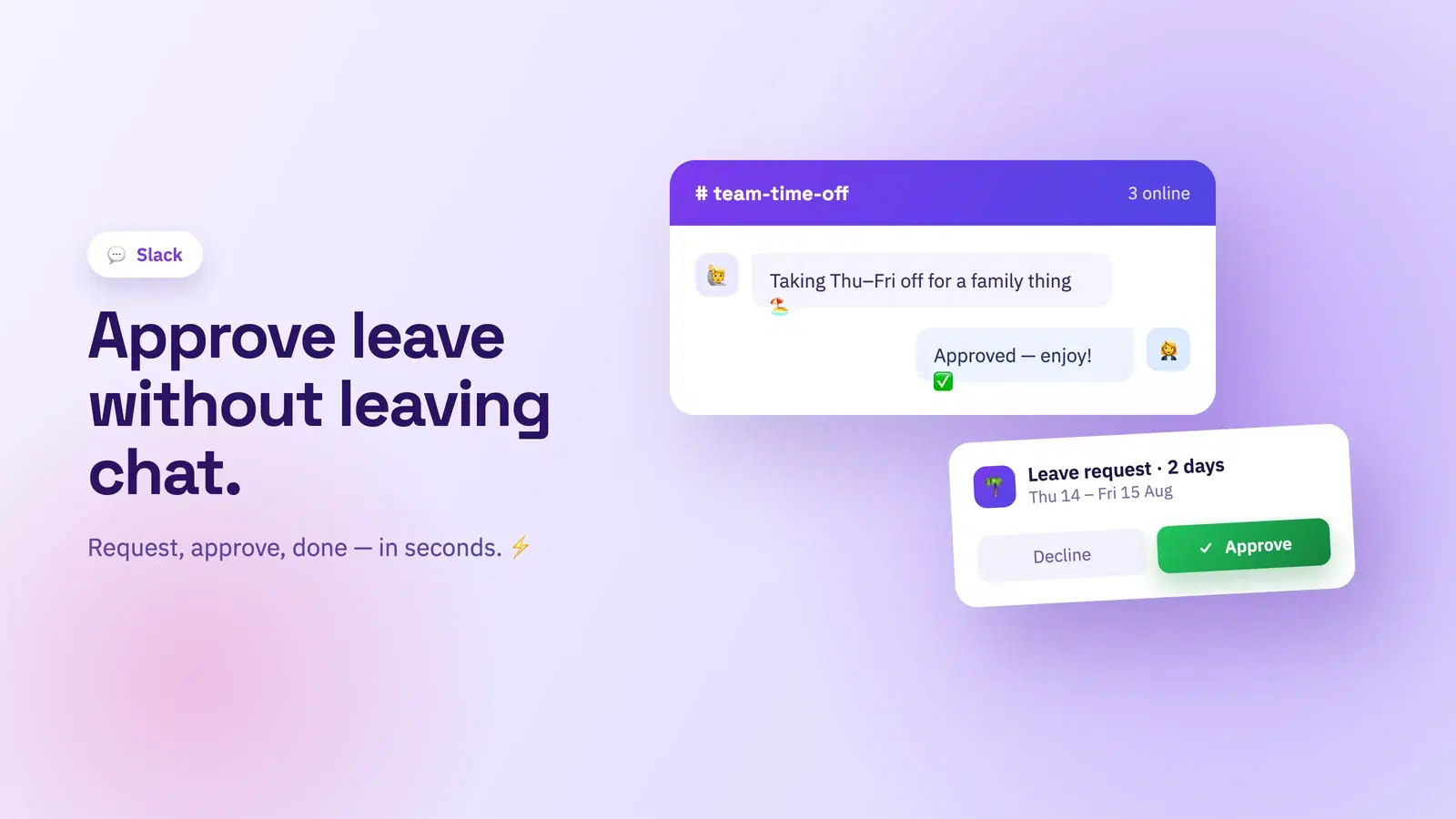
- Managers approve or decline from the message itself; balances update automatically so nobody overbooks.
- It works best paired with clock-in and attendance in the same tool, so leave and worked hours live together.
Why leave belongs in chat
Leave management fails for a boring reason: friction. If requesting a day off means opening a separate HR portal, remembering a password, and filling a form, people put it off and do it informally instead. The informal request is the problem — it has no record, no approval, and no visibility.
Your team is already in Slack all day. Moving leave there removes every bit of that friction. A request is a slash command. An approval is a button. And because it runs through Slack, there's no new login to chase and nothing new to learn. The tool disappears and the process just happens.
What good Slack leave management looks like
A real leave bot does more than forward a message. Look for these four pieces working together.
| Capability | What it does | Why it matters |
|---|---|---|
| Self-service requests | /tickin leave → pick type + dates → submit |
No forms, no portal, seconds per request |
| In-chat approvals | Manager approves/declines from the message | Decisions happen in minutes, not days |
| Live balances | Shows remaining days before you submit | Stops accidental overbooking |
| Recorded history | Timestamped log of who requested and approved what | An audit trail with zero effort |
Self-service requests
The employee runs a command, chooses a leave type — annual, sick, unpaid — picks dates, and submits. What is annual leave versus sick or unpaid time is defined once by you, so the options fit your policy. The whole thing takes seconds.
Approvals where the manager already is
The request lands in the manager's Slack as an actionable message with approve and decline buttons. No inbox archaeology, no separate queue. They act on it between meetings and the employee is notified instantly. Decisions that used to take days take minutes.
Balances that prevent overbooking
Before anyone submits, the bot shows their remaining balance for that leave type. Managers see team coverage. This is the piece spreadsheets never get right — see our broader guide to leave management for small teams for how balances and quotas should work.
Slack, and the tools next to it
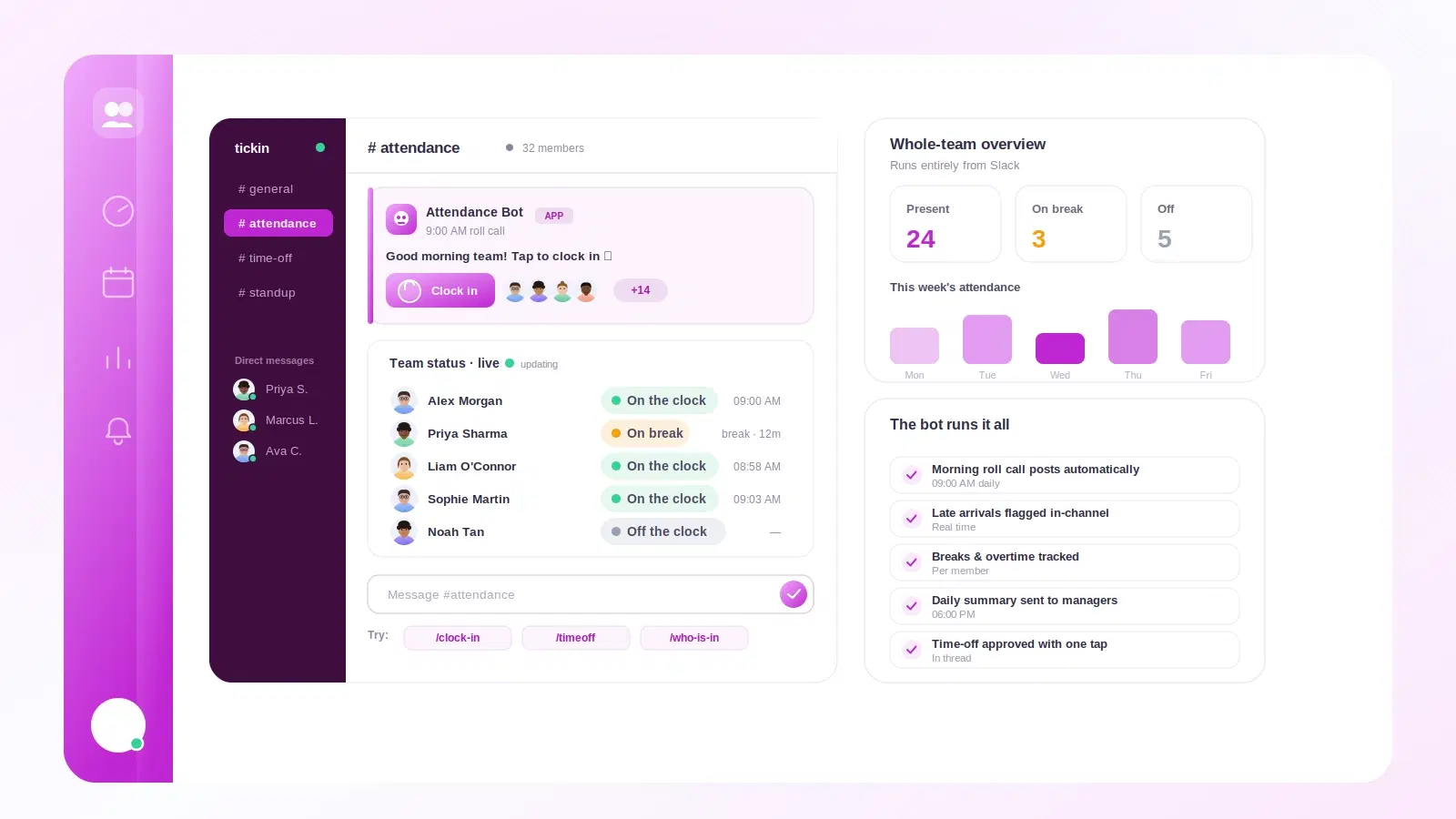
Leave rarely travels alone. The teams that get the most from Slack leave management also run their clock-in and everyday HR in the same place, so worked hours and time off sit side by side. If your team clocks in through chat already — see the best way to clock in and out in Slack — adding leave to the same bot means one record for attendance and absence.
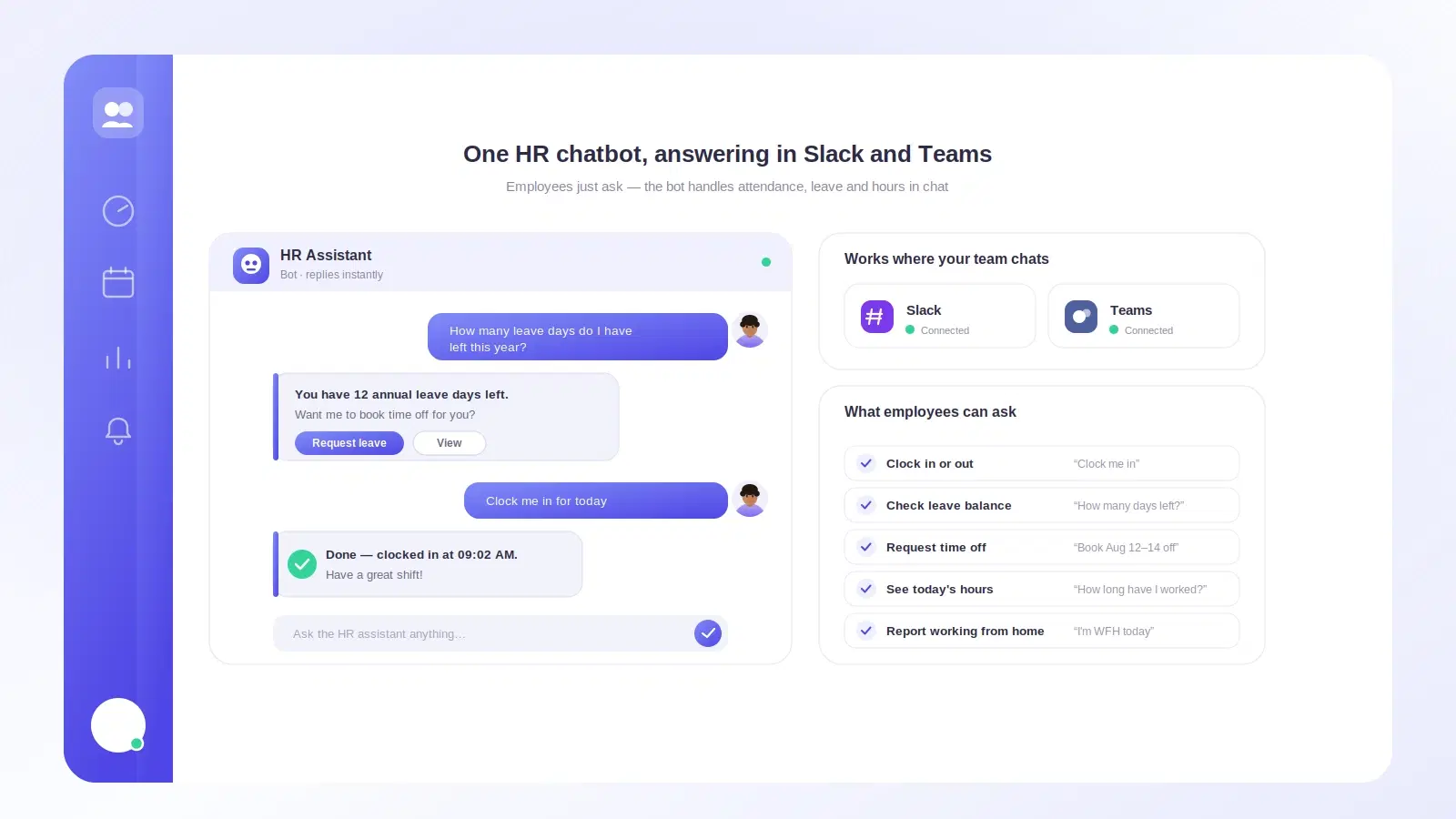
It also mirrors cleanly across chat platforms. If part of your company is on the Scale plan and lives in Teams, the same flow exists there; we cover it in Microsoft Teams leave management. And leave is just one of several self-service actions a chat-native team can run without a portal, as we lay out in employee self-service in Slack and Teams.
Doing this in Tickin
Tickin turns Slack into a full leave desk. People request time off with a simple command, choose the leave type and dates, and the request goes straight to their manager as an actionable Slack message — approve or decline in one tap. Balances update automatically, everyone can check their remaining days before they ask, and every request and decision is recorded with a timestamp, so you get an audit trail without lifting a finger.
Because Tickin also runs clock-in, breaks, and attendance in the same Slack workspace, leave and worked hours finally live in one place and flow into payroll together. See the Slack feature page and leave management, or the setup details on Tickin for Slack.
Tickin is free for up to 10 people, then $2 per employee each month on Starter.
Frequently asked questions
Can you manage leave requests in Slack?
Yes. With a leave bot connected to your workspace, employees request time off with a slash command or shortcut, managers approve or decline from the same message, and balances update automatically, without anyone opening a separate HR tool.
How do employees request leave in Slack?
They run /tickin leave, pick a leave type and dates, and submit. The request goes to their manager as an actionable Slack message. The employee gets a notification the moment it is approved or declined.
Does Slack leave management keep track of balances?
A proper leave bot does. It stores each person's entitlement per leave type, subtracts approved days, and shows the remaining balance before someone submits a request, so nobody accidentally overbooks.
Is Slack leave management secure and auditable?
Requests and approvals are recorded with timestamps and who acted, giving you an audit trail. Because everything runs through your existing Slack authentication, there's no extra login to secure.
Where to go from here
Leave management doesn't fail because policies are hard. It fails because the process lives somewhere nobody goes. Move it into Slack and requests get made, approvals happen fast, and balances stay honest — because the whole thing sits in the tool your team already has open.
Try it with your own workspace this week: start free with Tickin and let your team request their next day off in Slack, then read how to clock in and out in Slack to bring attendance into the same place.