How to Introduce Employee Monitoring Without Wrecking Trust
A rollout guide for employee monitoring: decide what the data is for, tell people first, start at the narrowest setting, set retention, review at 30 days.
There is a specific reason employee monitoring goes wrong, and it is not the software.
You cannot observe a team without changing it. The moment people know an activity score exists, some of them start working the score. Not the dishonest ones, particularly. The conscientious ones, who now leave a document open so the idle timer does not tick while they think, or stay off the phone with a customer because the phone is not a tracked application. You wanted to see how work happens. What you can now see is how work happens under observation, which is a different thing, and you have paid for the privilege in goodwill.
That constraint does not mean do not monitor. Some teams have a real reason: a client that requires an audit trail of billable hours, a distributed team where nobody can tell whether someone is drowning, a compliance obligation. It means the rollout has to be designed around the constraint rather than in spite of it. What follows is the sequence that works.
Start with the decision, not the data
Before you evaluate a single tool, finish this sentence: if the data says X, we will do Y.
If you cannot finish it, you are not buying an answer, you are buying reassurance, and reassurance is the one thing monitoring reliably fails to deliver. It produces a dashboard, the dashboard produces new questions, and six months later you are still watching.
Sentences that finish cleanly:
- If someone is consistently working past hours, we will rebalance their workload before they burn out.
- If our billed hours and our tracked hours diverge, we will find out where the gap is before the client does.
- If a new hire is spending most of their week in one tool we did not train them on, we will fix the onboarding.
Sentences that do not finish, and are the actual reason most rollouts happen: if people are slacking, we will… know. Know and then what? If the honest answer is "have a conversation with them", you can have that conversation now, without buying anything, and it will go better.
Tell people before you switch it on, in writing
Not in the same week. Before.
An announcement that lands well contains five things, and the fifth is the one most companies skip:
- What is being recorded, in specifics. Not "activity data". Application names, website domains, screenshots every so often — whatever it actually is.
- What is not being recorded. This is the part people are silently worried about, and it is the part they will assume the worst about if you leave it out.
- Who can see it. "Management" is not an answer. Name the roles.
- How long it is kept, and what deletes it.
- What decision it feeds. The sentence from the previous section. If you cannot say what the data is for, people will supply their own explanation, and it will be less flattering than the truth.
Then leave a gap before it goes live — a week is reasonable — and answer questions in that gap. The questions you get are free product research about which setting is actually too far.
Pick the narrowest setting that answers your question
Monitoring is not one thing. It is a ladder, and most teams jump to the top rung because that is the default in the tool they bought.
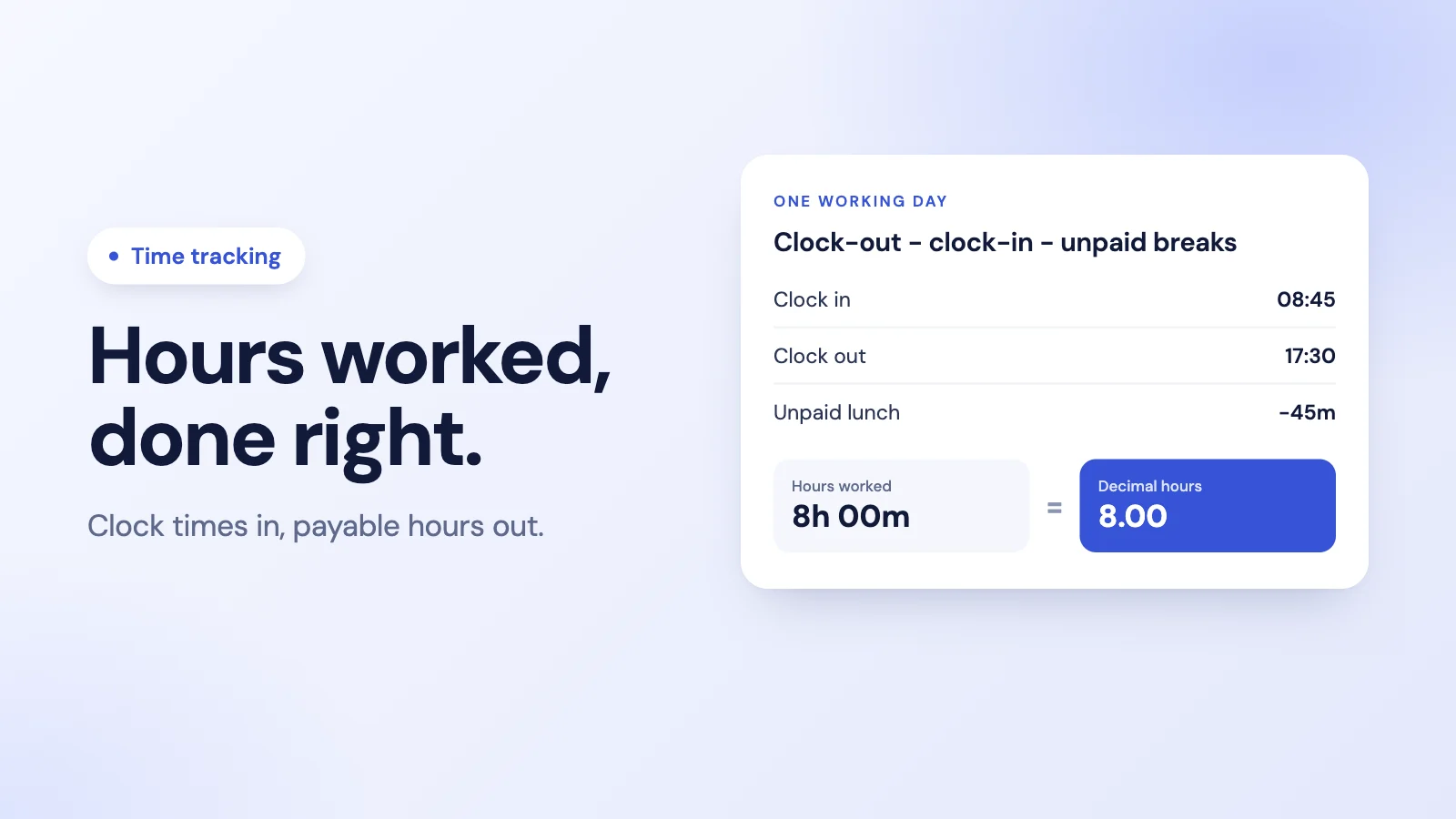
Rung one: hours. When the session started and ended, and how much of it was break. This answers "is someone quietly working twelve-hour days" and "does our timesheet match our invoice", which between them cover most of the real reasons teams start looking.
Rung two: applications and websites. Which tools were in front, and for how long. This answers "where does the week actually go" and "is this team drowning in one system". Note that a domain — github.com, figma.com — is a very different disclosure from a full URL, which can carry a document title, a customer name, or a search query. Check which one your tool records.
Rung three: screenshots. Periodic images of the screen. This is the only rung that captures content rather than metadata, which makes it categorically different from the two below it: a screenshot can pick up a private message, a medical appointment, a password manager mid-unlock. Some teams genuinely need it. Most reach for it because it was already switched on.
Start one rung lower than you think you need. Moving up later is a conversation. Moving down after a rollout is an admission, and people remember it.
Make the data symmetric
The single cheapest thing you can do to keep a monitoring rollout from souring is to let people see their own record.
Asymmetry is what makes surveillance feel like surveillance. If a manager can see a number about you that you cannot see, that number is a rumour you cannot answer. If you can both see it, it is evidence, and evidence can be discussed: that week looks low because I was in a client workshop, here is the calendar.
It also fixes your data. Employees are the only people who can tell you that the tool you classified as unproductive is the one your support team lives in all day. They will not volunteer that if they cannot see the classification.
Set retention before you start
Decide the deletion date on day zero, while it is an abstract policy question, rather than on the day someone asks you to produce eight months of screenshots for a dispute.
Ask what the retention actually buys. If the purpose is spotting patterns in how work happens, a few weeks is plenty — a pattern that only shows up over nine months is not a pattern you were going to act on anyway. What an indefinite archive definitely does buy you is a growing store of images of your employees' screens, which is a breach waiting to be interesting and a discovery request waiting to be expensive.
And confirm deletion is automatic. A retention policy that depends on someone remembering to run a cleanup is not a retention policy.
Review it after 30 days, with the team in the room
Put the review in the calendar before you launch, so it happens whether or not the rollout goes smoothly.
Three questions:
- Did we make the decision we said we would make? If the data changed nothing, that is not a neutral outcome. You are paying an ongoing trust cost for information you do not use. Turn it off.
- Are the categories right? Every classification scheme is wrong for someone. The designer who lives in one application all day, the manager whose job is largely conversations, the researcher whose reading looks like browsing. If your tool cannot reclassify — and apply it to history, not just to next week — the scores are wrong for those people permanently.
- What surprised us? Usually the answer is that someone is working far more than you thought, not less. That is the finding worth acting on, and it is the one nobody plans for.
What this looks like in Tickin
Productivity and screenshot monitoring in Tickin is an optional module, and getting to it takes two deliberate steps: buying the Desktop add-on does not start it, and the admin toggle under Integrations is a separate switch that defaults to off. Left alone, Tickin records hours — rung one — and nothing else.
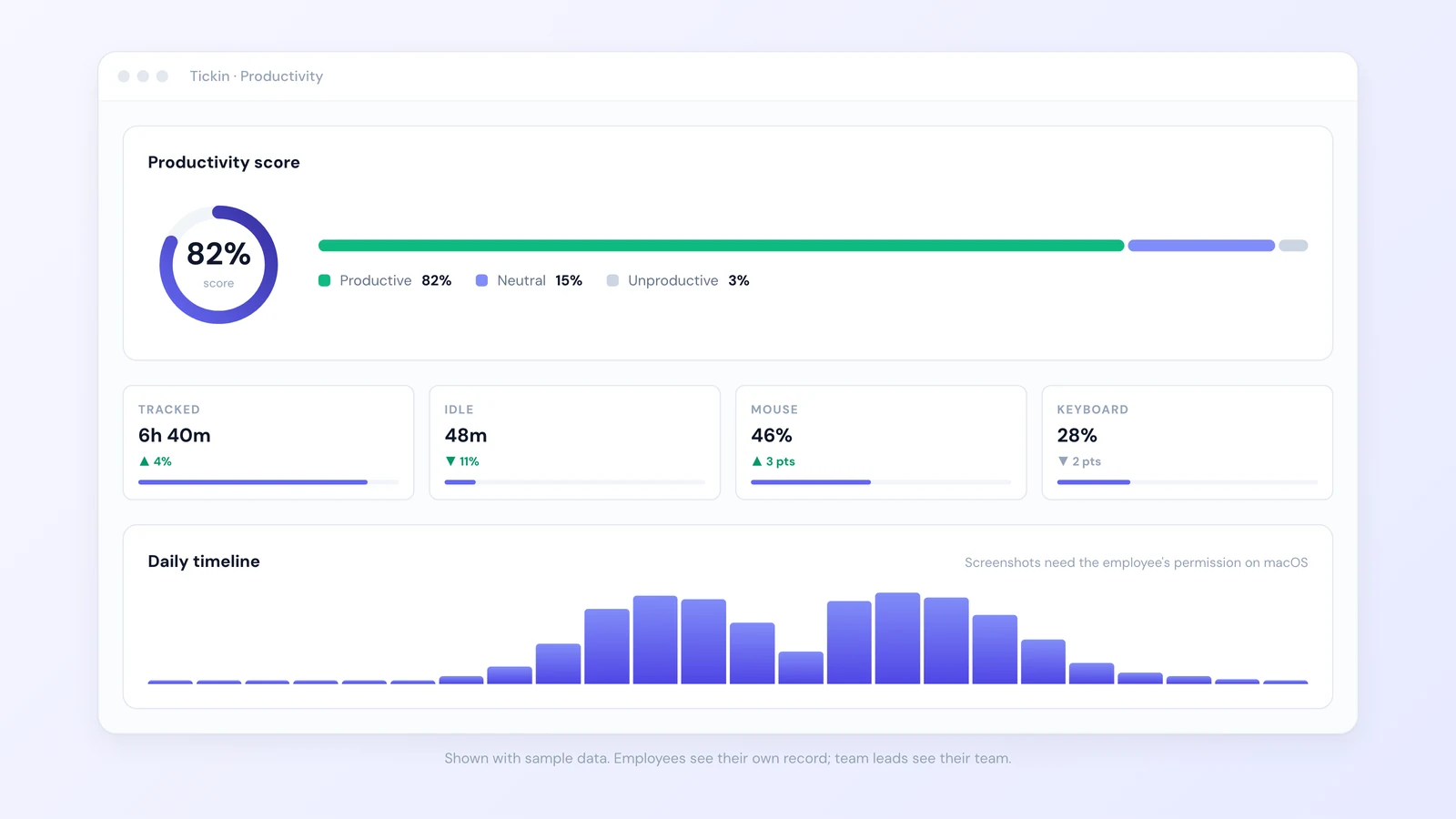
Switched on, it records the active application name, the website domain if a browser is in front, and three screenshots per ten-minute window at randomised moments. It does not record what was typed, only that typing happened. It records nothing during a break, nothing during idle time, and nothing while clocked out, because capture is tied to an open work session rather than to the app being installed. Admins and sys-admins are not tracked at all, by design.
On macOS, screenshots additionally require the system Screen Recording permission, which only the person at the keyboard can grant. Decline it and application and website time still work, with a note on the dashboard explaining why the gallery is empty — so a refused permission is never mistaken for an employee doing nothing.
Visibility is scoped by role: admins see the workspace, team leads see only their own reports, employees see their own record and nobody else's. Categories can be reclassified, and reclassifying applies to history as well as to future activity. Screenshots delete automatically after 30 days. And switching the toggle back off stops capture on every device within about ten minutes, with nothing to reinstall.
Full detail is on the productivity monitoring feature page, and the setup steps are in the user guide. If you have read this far and concluded that rung one is where you should stop, that is a legitimate outcome — Tickin does hours, attendance, leave, and payroll without any of the above, and runs free for up to 10 employees.