All-in-One HR Software That Lives in Slack and Microsoft Teams
Attendance, leave, payroll, projects and video calls in one login — inside Slack and Microsoft Teams, so there is no new app for your team to learn.
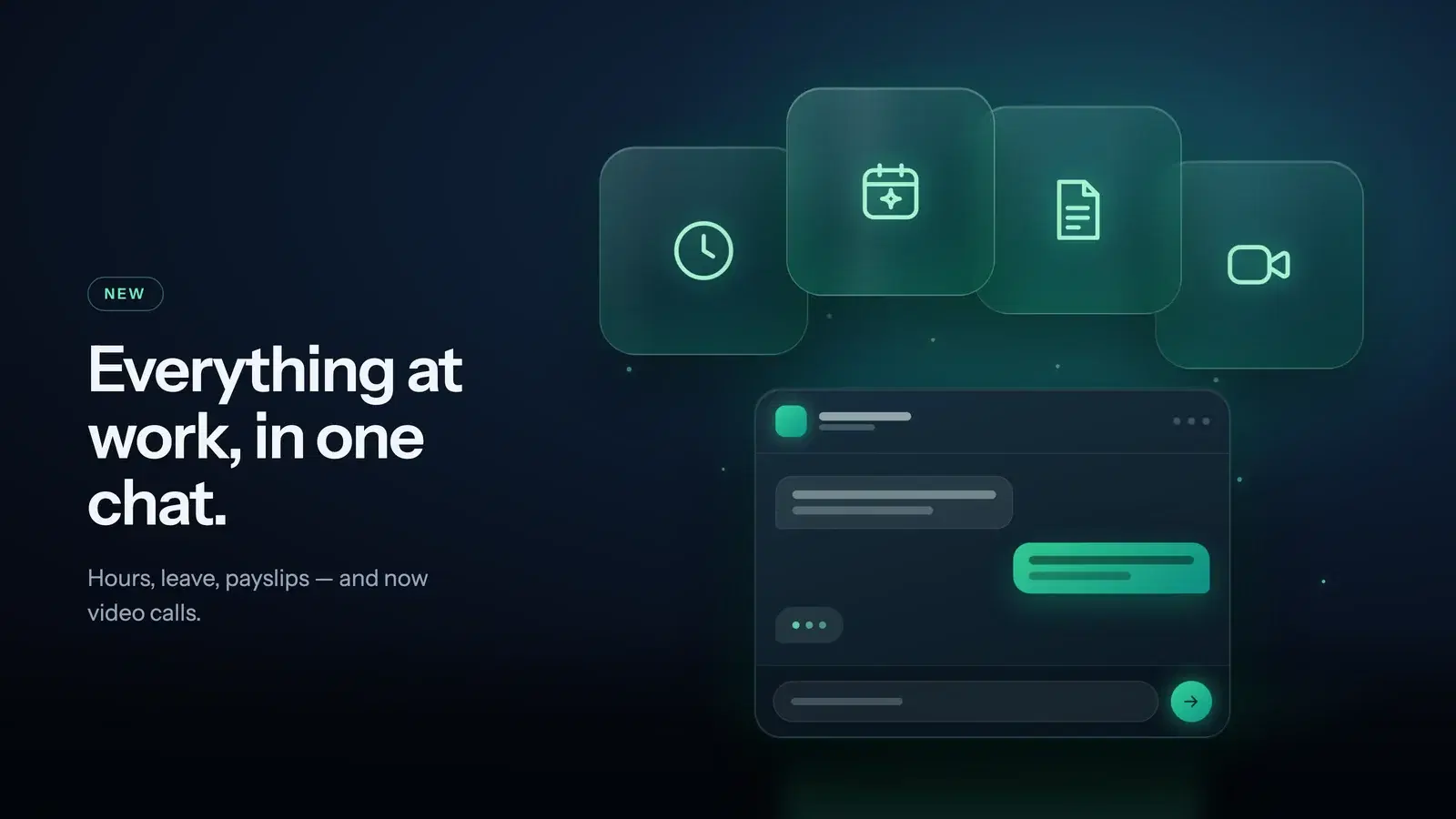
Most teams do not set out to run HR on four different tools. It happens gradually. A spreadsheet handles attendance until it does not. A leave tracker gets added because the spreadsheet cannot cope with approvals. Payroll lives somewhere else entirely, and video calls are on whatever the company signed up for two years ago. Each tool made sense on its own. Together they mean four logins, four sets of user accounts to keep in sync, and one person quietly reconciling all of it at the end of every month.
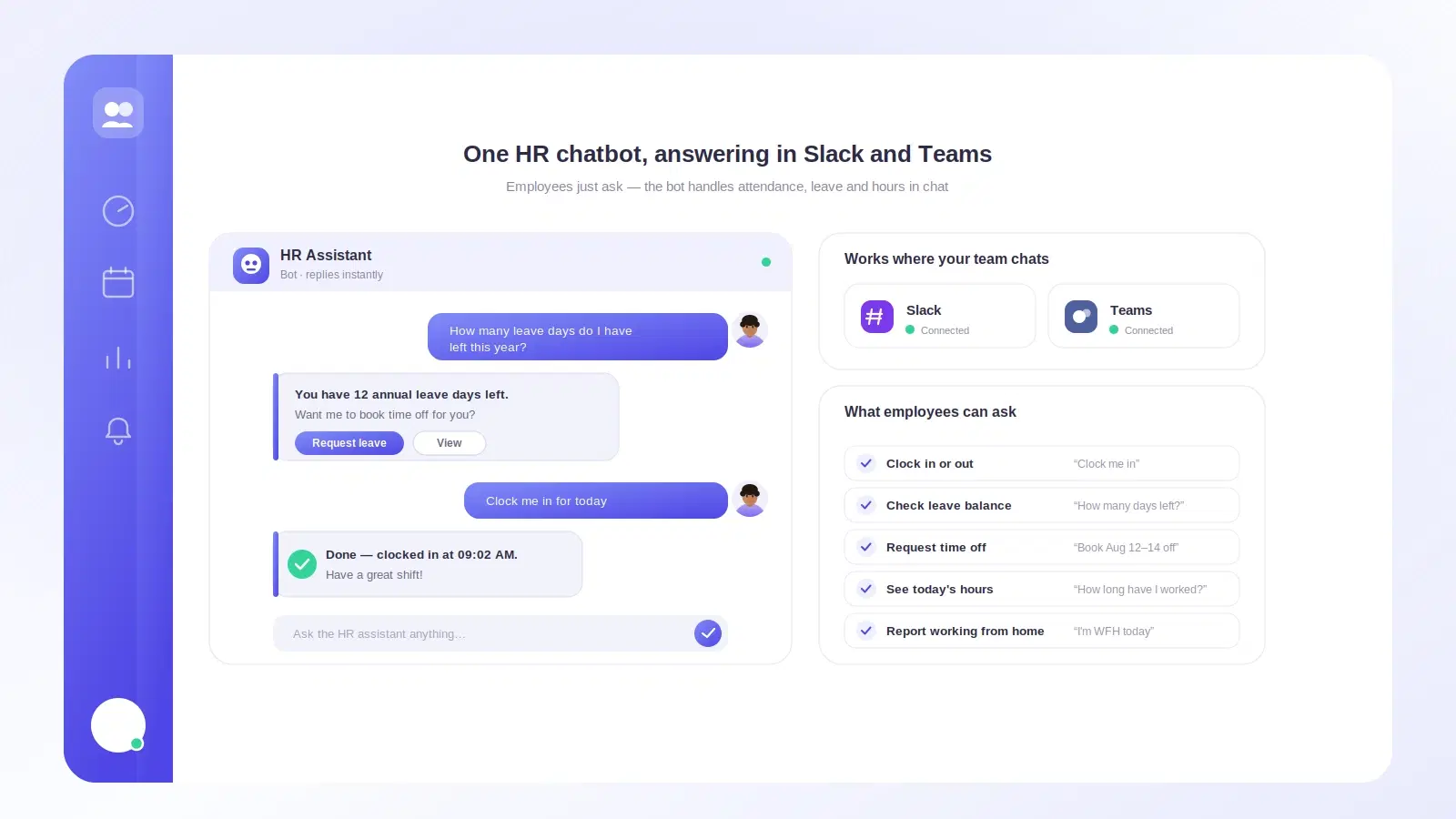
Tickin takes a different route. Attendance, leave, payroll, projects and video calls sit behind a single login — and, more importantly, most of the day-to-day actions happen inside Slack or Microsoft Teams, where your team already is.
Why the chat tool matters more than the feature list
Every HR product has a features page. The harder problem is adoption. A tool only reports accurate hours if people actually use it, and asking a team to open a separate app to press a button twice a day is exactly the kind of friction that quietly produces bad data.
Putting clock-in where the conversation already happens removes that step. There is no new interface to learn, no extra password, and no app that only gets opened when someone remembers. That is the difference between a system that reflects reality and one that has to be corrected by hand every month.
Attendance and time tracking
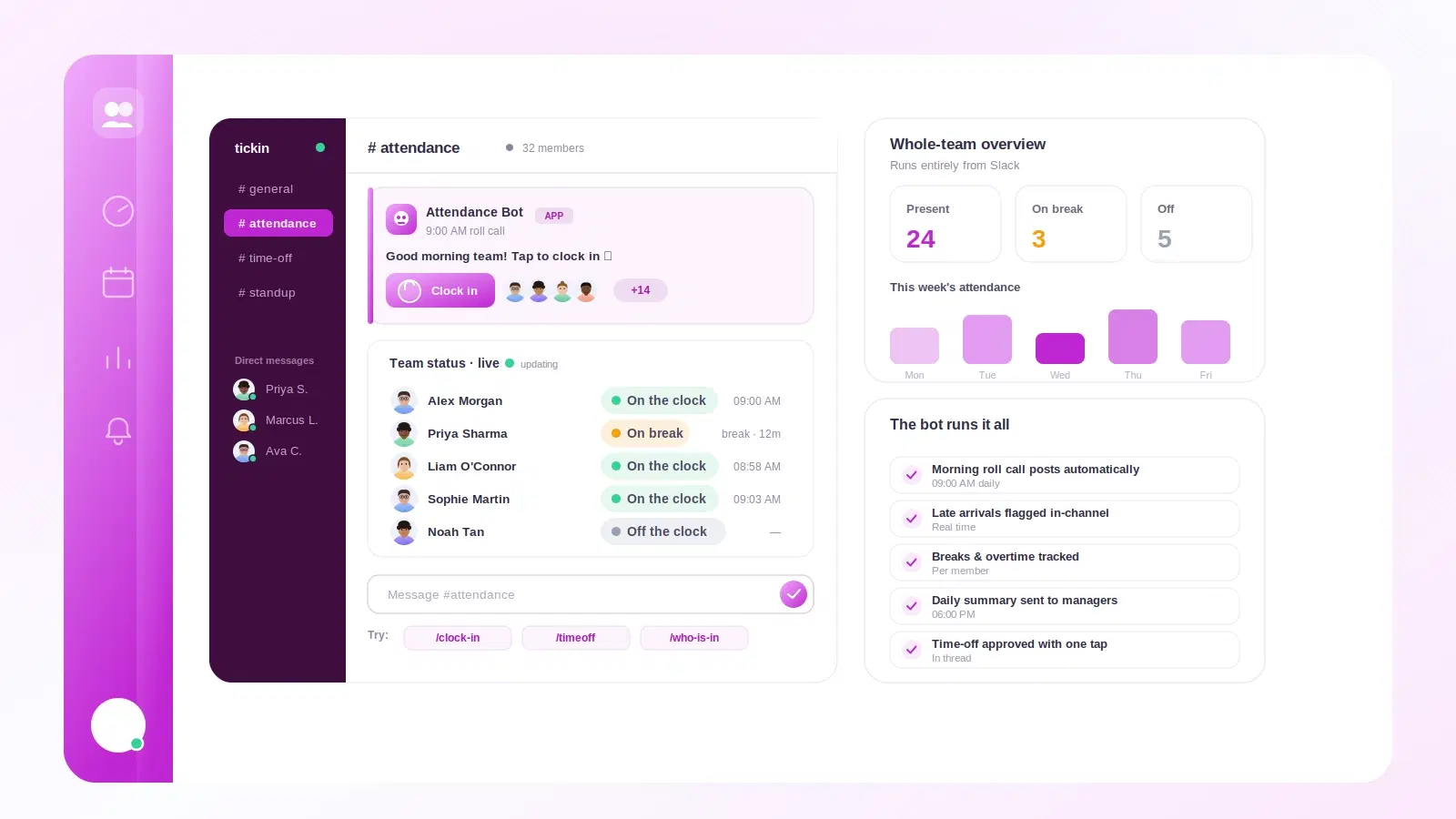
Employees clock in and out with a single command in Slack or Microsoft Teams. Hours are recorded against your workspace's own working days and thresholds, not a fixed assumption about what a working week looks like.
Because the record is created at the moment someone starts work, rather than reconstructed from memory on a Friday afternoon, the underlying data is far more trustworthy. Read more about attendance tracking and time tracking.
Leave requests and approvals
Leave is where most tools lose people. A request has to be submitted, seen, approved, and then reflected in whatever the team uses to plan the week — and any break in that chain results in someone taking a day off that nobody recorded.
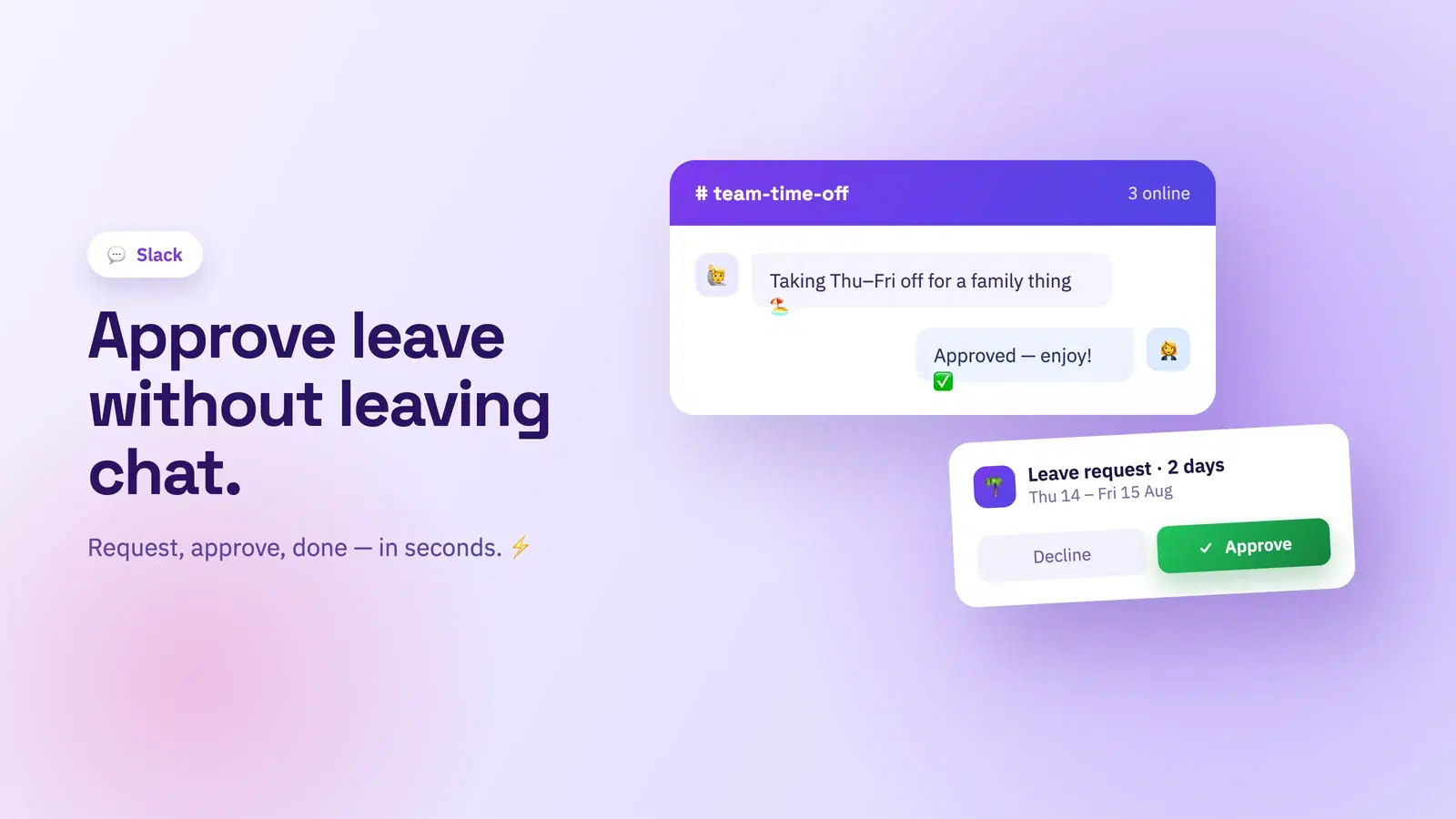
In Tickin, the whole loop happens in the conversation. Someone requests leave, the approver gets an interactive prompt, and the balance updates once it is approved. No forwarded emails, no separate portal login just to click "approve". See leave management for the detail.
Payroll and automatic payslips
Payroll runs from the hours already recorded, and payslips are generated and sent automatically rather than assembled by hand. This is the part that most obviously benefits from everything living in one place: when attendance, leave and overtime are already in the same system, payroll stops being a data-collection exercise and becomes a review step.
Overtime, calculated rather than argued about
Overtime is detected automatically from recorded hours against the threshold your workspace has set. Nobody has to add up the extra evenings, and — more usefully — nobody has to disagree about them. The calculation is applied the same way for every person, every month, which removes an entire category of end-of-month conversation.
Projects and tasks in the same place as the hours
Time tracking that is disconnected from the work being done only answers half the question. Tickin includes project boards, so tasks and the hours spent on them live together instead of in two systems that have to be manually cross-referenced.
Tickin Meet for video calls
Standups, one-to-ones and quick check-ins run through Tickin Meet, in the same workspace as everything else. For a small team this removes another account to provision, another tool in the onboarding checklist, and another subscription to review. When someone joins, they are set up for attendance, leave, payroll and meetings in one go.
Where your team actually works
Not everyone wants to live in a chat window, so Tickin also runs in the browser and as a desktop app. The point is not to force a single surface — it is that whichever surface someone chooses, they are looking at the same data.
A short summary of what sits behind that one login:
- Clock in and out from chat, the browser or the desktop app
- Leave requests with interactive approvals
- Payroll with automatic payslips
- Automatic overtime detection
- Project boards for tasks
- Video calls through Tickin Meet
What this looks like in practice
The clearest test is a new joiner. In a four-tool setup, onboarding means creating four accounts, explaining four interfaces, and hoping the person remembers which one is for booking time off. With everything in one place, they are added once and can clock in from the chat tool they were going to open anyway.
The second test is month-end. Instead of exporting from one system, cross-checking against another, and manually adding overtime, the numbers are already in the same place they were recorded.
Getting started
Tickin is free for up to 10 employees with no credit card, so a small team can run the whole thing without a purchase decision. Beyond that, Starter, Growth and Scale plans are available, and Slack clock-ins and employee self-service work on every plan. If you are weighing it against a tool you already use, the comparison pages go through the differences honestly, including the cases where another tool is the better fit.
If your team is already in Slack or Microsoft Teams, the fastest way to judge it is to connect a workspace and clock in once. That single action tells you more than any feature list.