Shift Scheduling for Small Teams: Keep Everyone on the Same Page
A practical guide to shift scheduling for small teams: build a fair rota, balance coverage and cost, handle swaps and time off, and share the schedule clearly.
Maria runs a coffee shop with seven people on the roster. For two years her schedule lived on a whiteboard by the back door. It worked until the morning someone erased Thursday by accident, two baristas both thought they had the day off, and the shop opened forty minutes late with a line out the door. That whiteboard was fine when the team was tiny and nothing changed. It stopped being fine the moment real life started happening to real people.
Small teams hit this wall constantly. You do not have a workforce planner or a scheduling department. You have a manager who is also serving customers, and a rota that has to be right the first time.
TL;DR
- A good rota starts with coverage needs, not with names, so map demand first.
- Balance coverage against cost by scheduling to the busy hours, not to a flat 9 to 5.
- Put every swap and time-off request through one channel with one approver.
- Publish at least two weeks ahead and make the current version obvious.
- Once you outgrow a spreadsheet, connect scheduling to attendance so the plan matches reality.
Start with coverage, not with people
The instinct is to open a spreadsheet and start dropping names into slots. That is backwards. Names go in last.
First, answer one question for every hour you are open: how many people do I actually need on the floor? A cafe needs two hands at the 8am rush and maybe one during the 3pm lull. A support team needs heavier cover when its biggest customer base is awake. Sketch the demand curve before you sketch the schedule.
Write it down as a simple coverage map:
| Time block | People needed | Why |
|---|---|---|
| Open to 10am | 3 | Morning rush, deliveries |
| 10am to 2pm | 2 | Steady midday |
| 2pm to 5pm | 1 | Quiet stretch |
| 5pm to close | 2 | Evening pickup |
Now you are scheduling to real demand instead of guessing. This is where most small-team overspend hides: three people rostered through a dead afternoon because the rota was built by habit, not by need.
Coverage versus cost
Every extra person on shift is real money, and every gap is a worse customer experience or a burned-out colleague. The job is to sit in the middle.
- Understaffed looks cheap on the schedule and expensive everywhere else: slow service, mistakes, people quitting.
- Overstaffed feels safe and quietly drains your margin.
- Right-sized means each shift maps to the demand block it covers, with a little slack for the unexpected.
A useful habit is to track your labor cost as a percentage of revenue for each day, then look for the days where that number spikes without a reason. Those are your tuning targets.
Build fairness into the pattern
Fairness is not about giving everyone identical shifts. It is about being predictable and honest. People will accept a rough shift if they can see it rotates, and they will resent an easy one if it always seems to land on the manager's friend.
Three rules carry most of the weight:
- Collect availability once, in writing. Who can open, who cannot do weekends, who has a class on Tuesdays. Keep it current.
- Rotate the shifts nobody wants. The closing shift, the Sunday, the early open. Spread them on a visible cycle so no one carries them forever.
- Respect the no once it is stated. If someone told you they cannot do Mondays, do not quietly pencil them in and hope.
For anything involving planned absence, run it through a proper request flow rather than side deals. Our guide on leave management for small teams walks through how to keep time off from colliding with your rota.
Handling swaps and time off without chaos
Swaps are where good schedules go to die. Two people agree in the hallway, neither tells you, and Saturday morning arrives with nobody scheduled to open.
The fix is one rule everybody knows: no swap is real until it is logged and approved.
- Every swap request goes through the same channel, not a mix of texts, verbal deals, and sticky notes.
- One person owns coverage and approves. They are checking that skills still line up, not just that two names traded places.
- Time-off requests are visible against the schedule before you publish, so you are not building a week you have to tear up.
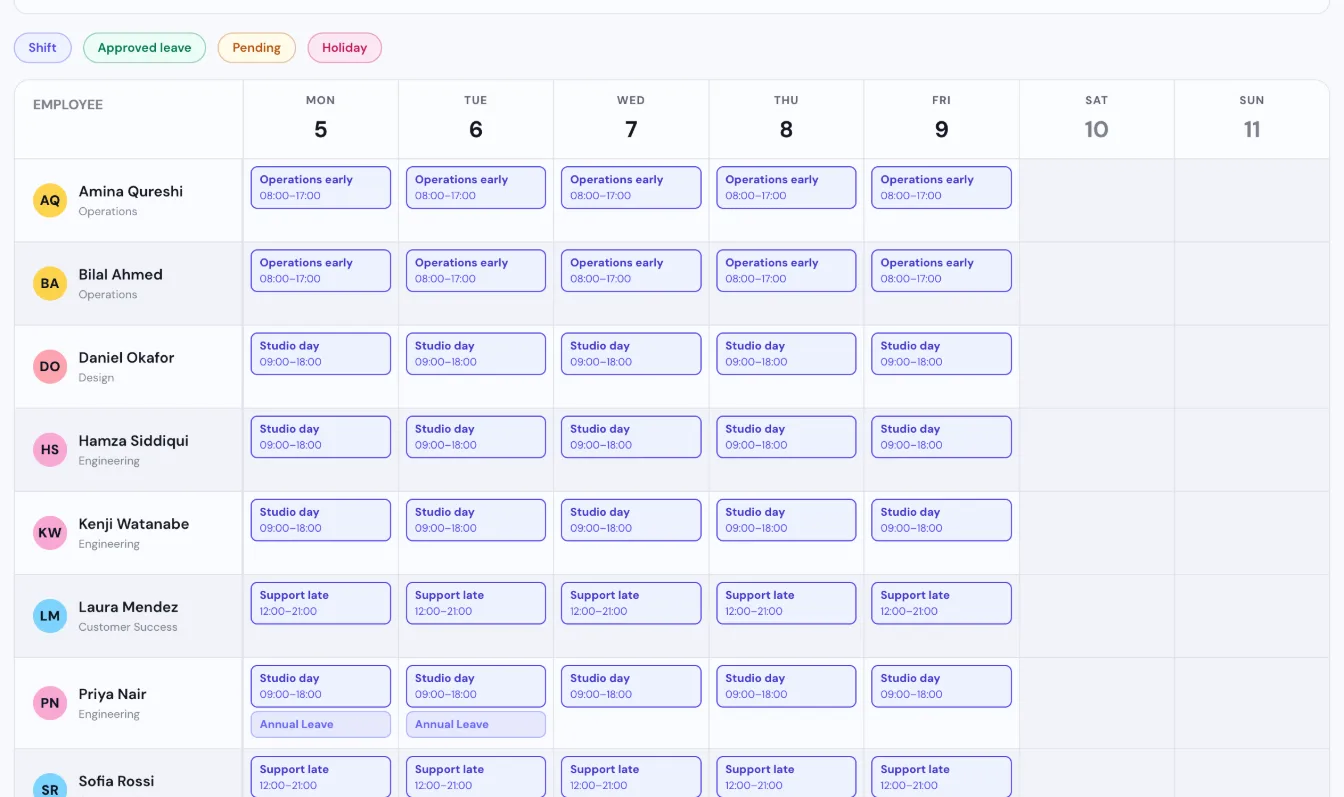
That last point matters more than it sounds. If someone books Friday off after you publish, you are patching. If you see it before you build, you plan around it. Publishing early only helps if requests come in earlier still, so set a cutoff.
Communicating the schedule
A perfect rota nobody can find is a broken rota. The two failure modes are the same ones that ended Maria's whiteboard: people cannot see the current version, and they cannot tell it changed.
Good schedule communication has three properties:
- One source of truth. Not a printout, a group text, and a spreadsheet that disagree. One place.
- Obvious versioning. When the schedule changes, it is clear what changed and who is affected.
- Reachable from a phone. Your team is not at a desk. They need it where they already are.
This is where a shared tool pulls ahead of the spreadsheet. When the schedule lives in the same place people clock in and check their hours, there is no gap between the plan and the day. If your team runs on chat, tying scheduling to the tools you already use keeps it visible, the same way tracking time in Slack keeps hours where the conversation already happens.
A worked example: one week for a team of six
Let me put real numbers on it. A small bakery, open 7am to 6pm, Monday to Saturday. Six staff. Coverage need: 3 in the morning block, 2 midday, 2 late.
Here is a clean week that respects two stated constraints: Sam cannot work weekends, and Priya has a class every Tuesday morning.
| Day | Open (7am to 12pm) | Mid (12pm to 3pm) | Late (3pm to 6pm) |
|---|---|---|---|
| Mon | Ana, Sam, Priya | Ana, Sam | Priya, Leo |
| Tue | Ana, Leo, Sam | Leo, Sam | Ana, Nadia |
| Wed | Priya, Nadia, Sam | Priya, Nadia | Sam, Leo |
| Thu | Ana, Leo, Priya | Ana, Leo | Priya, Nadia |
| Fri | Nadia, Sam, Leo | Nadia, Sam | Leo, Ana |
| Sat | Ana, Priya, Nadia | Ana, Priya | Nadia, Leo |
Notice what the pattern does. Sam is off both weekend days, honoring the constraint. Priya avoids the Tuesday open. No one closes more than twice in the week. Everyone lands between 24 and 30 hours, so the load is even.
Now a swap lands: Leo asks Nadia to cover his Friday late so he can travel. Nadia already works Friday mid, so extending her is clean, no skills gap, no overtime spike. It gets logged, approved, and the published rota updates. That is the whole loop, and it takes two minutes when there is a channel for it and thirty stressful minutes when there is not.
If Friday had pushed Nadia over her weekly hours, the swap would be a chance to check overtime before it happens rather than discovering it on payday.
When to move past the spreadsheet
A spreadsheet is genuinely fine for a while. You should switch when you notice these signs:
- You spend more time chasing swaps than building the schedule.
- Nobody is sure which version is current.
- Your rota and your actual hours worked no longer match, so payroll gets guessy.
That last one is the real tell. A schedule is a plan; attendance is what happened. When those two drift apart, you are paying from a fiction. Connecting the two is the same principle behind tracking attendance for a remote team and behind solid time tracking for small businesses: the record should reflect reality, not intention.
For a deeper look at the terminology and history, the concept of the shift plan covers the rotation patterns larger operations use, many of which scale down neatly.
How Tickin helps with scheduling
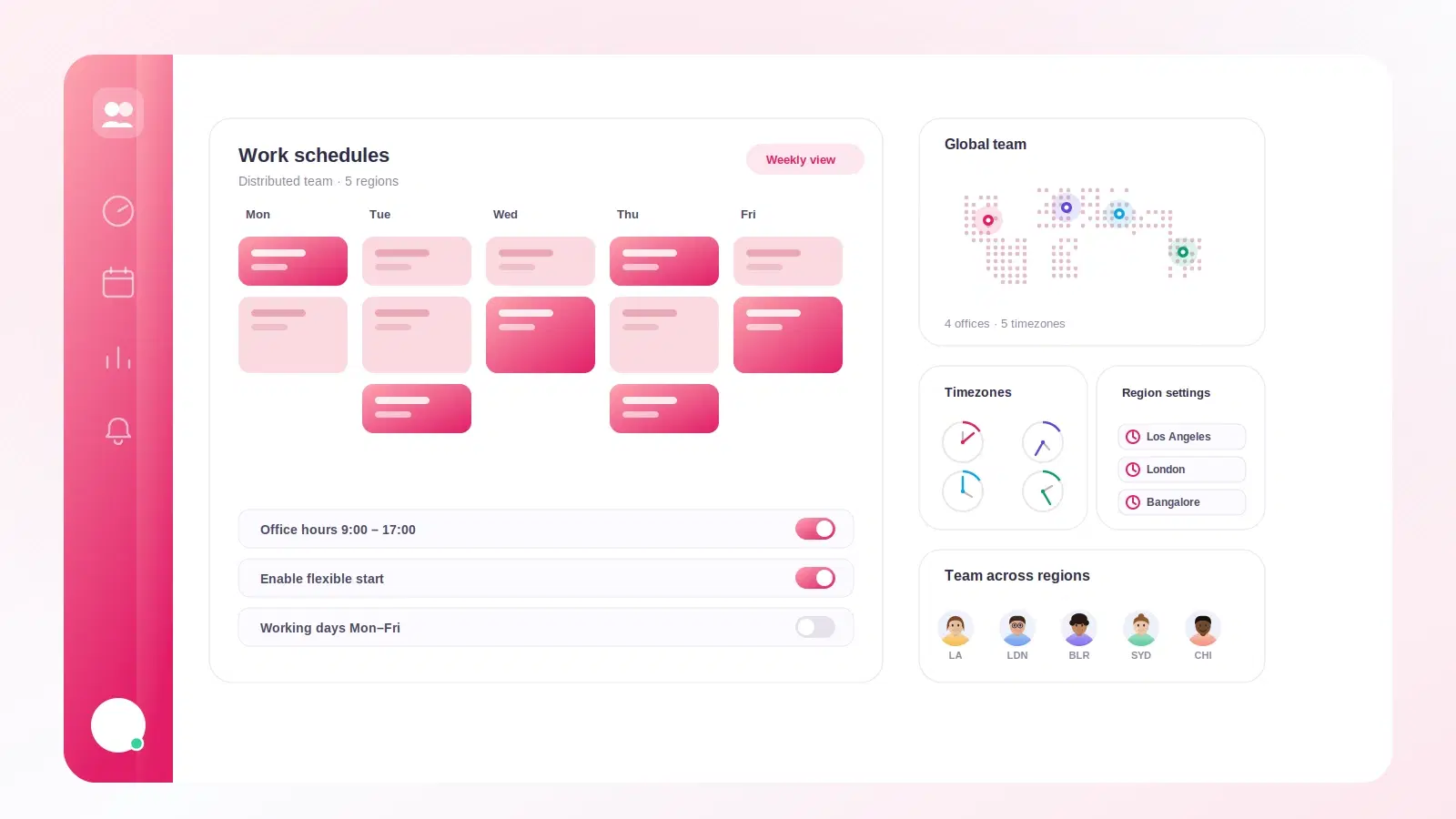
Tickin keeps your work schedule, clock-ins, and hours in one place, so the plan and the day never drift apart. You set a workspace work schedule (office hours and working days), and on the Growth plan you can give an employee or a whole department its own shift, overnight shifts included. Your team clocks in from Slack (or Microsoft Teams on the Scale plan), the browser, or the optional Desktop App, and requests time off through one approved channel. Because attendance feeds straight into hours worked, you catch overtime and understaffing while you can still do something about them, not on payday. Note that Tickin assigns each person one active shift rather than building rotas, rotating shifts on a cycle, or handling shift swaps, so for rota-heavy shift management a dedicated scheduling tool may fit better.
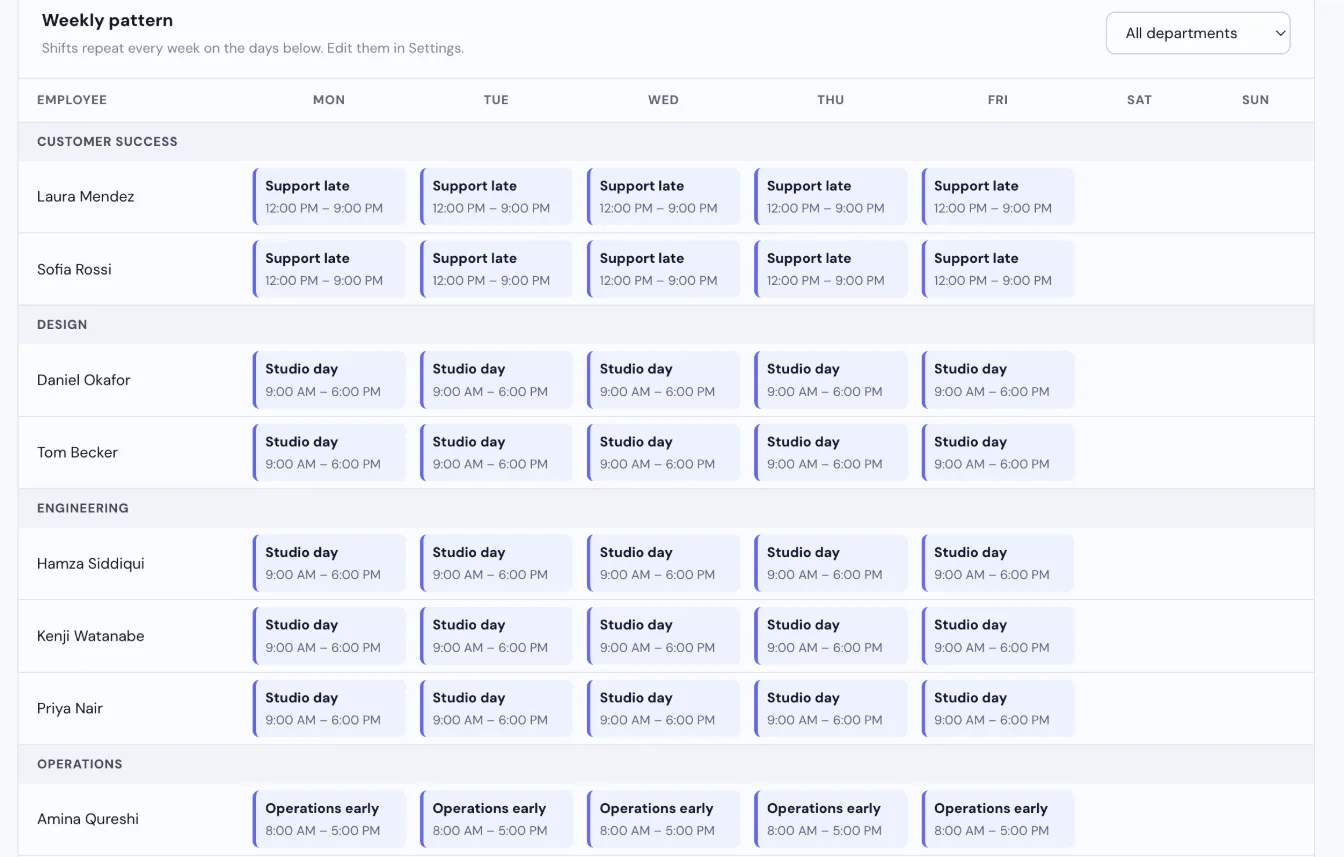
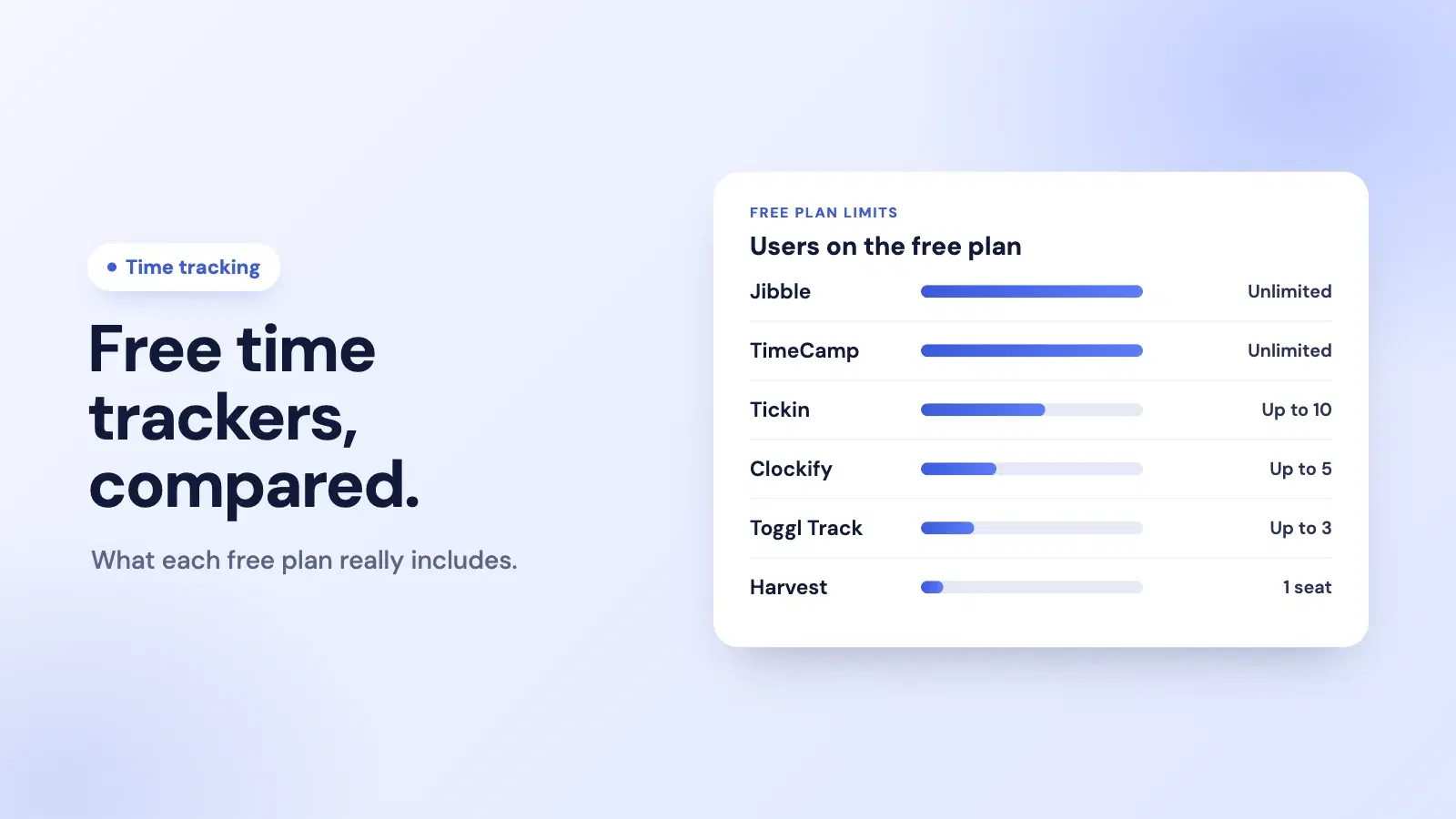
It scales with you: free for up to 10 people, then a few dollars per employee per month as you grow. Start for free or browse the full features to see how scheduling, attendance, and time tracking fit together.
Frequently asked questions
How far in advance should I publish the schedule?
Aim for at least two weeks ahead. That gives people time to arrange childcare, appointments, and swaps before the week starts, and it cuts down on last-minute scrambling.
What is the difference between a rota and a shift schedule?
They mean the same thing. Rota is common in the UK and parts of Asia, while shift schedule or work schedule is more common in the US. Both describe who works when.
How do I handle shift swaps without losing track?
Require every swap to be logged in one place and approved by whoever owns coverage. A verbal deal in a hallway is how a Saturday ends up with nobody on the floor.
Do I need scheduling software for a team of eight?
Not strictly, but a shared tool beats a spreadsheet once swaps and time off pile up. It removes version confusion and keeps the schedule tied to actual hours worked.
How do I make a rota feel fair?
Rotate the unpopular shifts, respect stated availability, and keep the rules visible. Fairness comes from a pattern people can predict, not from one-off favors.
Keep everyone on the same page
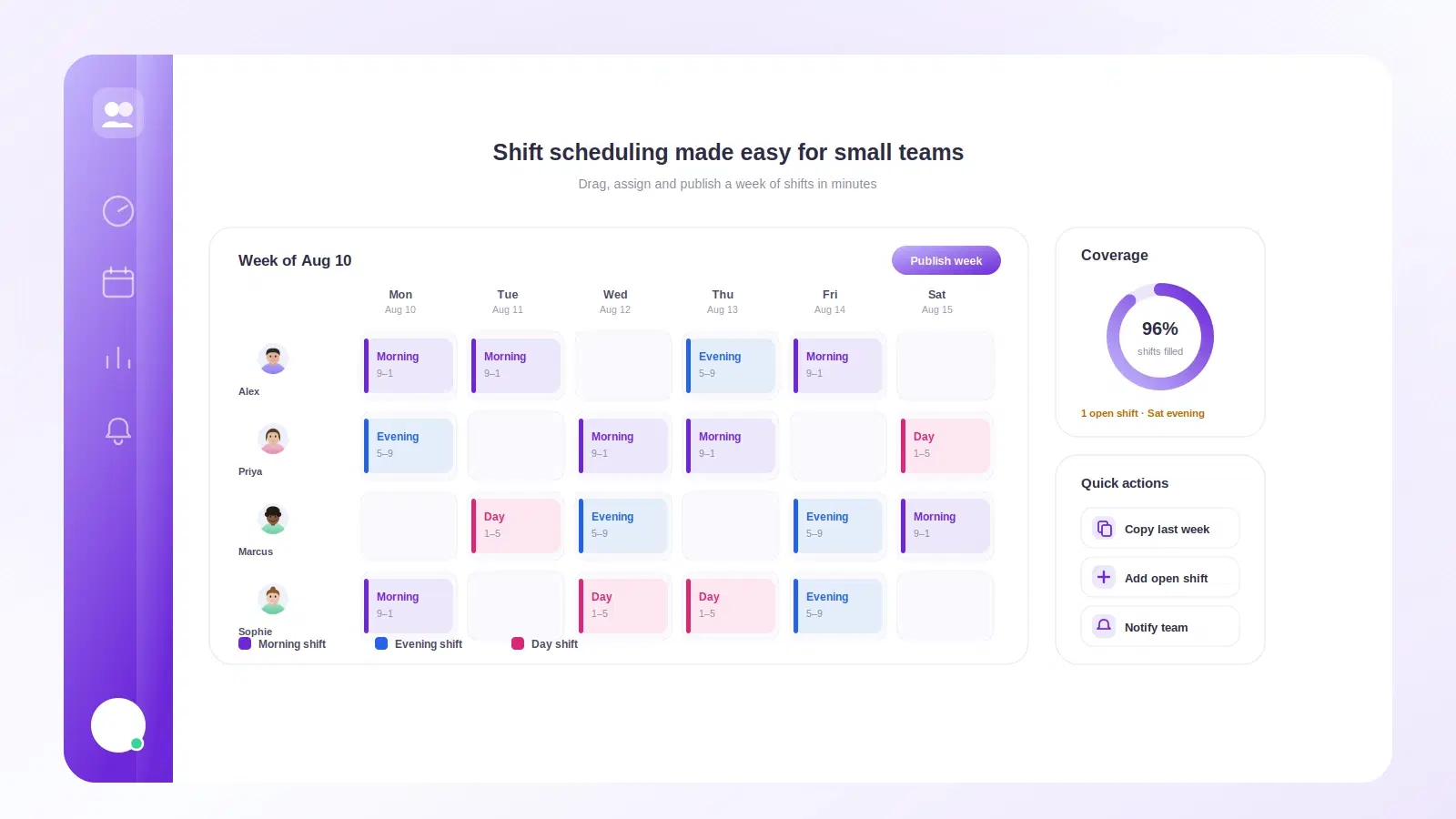
A rota is not paperwork. It is the promise your team makes to each other about who shows up when, and the promise you make to the people you serve. Map coverage first, build a fair pattern, run swaps and time off through one channel, and put the current version where everyone can reach it. Do that and the Thursday-erased-by-accident morning simply stops happening. If you are still planning on paper, the free weekly shift schedule template is a good first step.
Start for free and put your work schedule, attendance, and time off in one place, then read leave management for small teams to keep time off from ever colliding with your coverage again.