Slack Apps for HR and Time Tracking: What to Look For
A practical buyer's checklist for choosing Slack apps for HR and time tracking, covering clock-in, breaks, leave, approvals, reports, privacy and pricing.
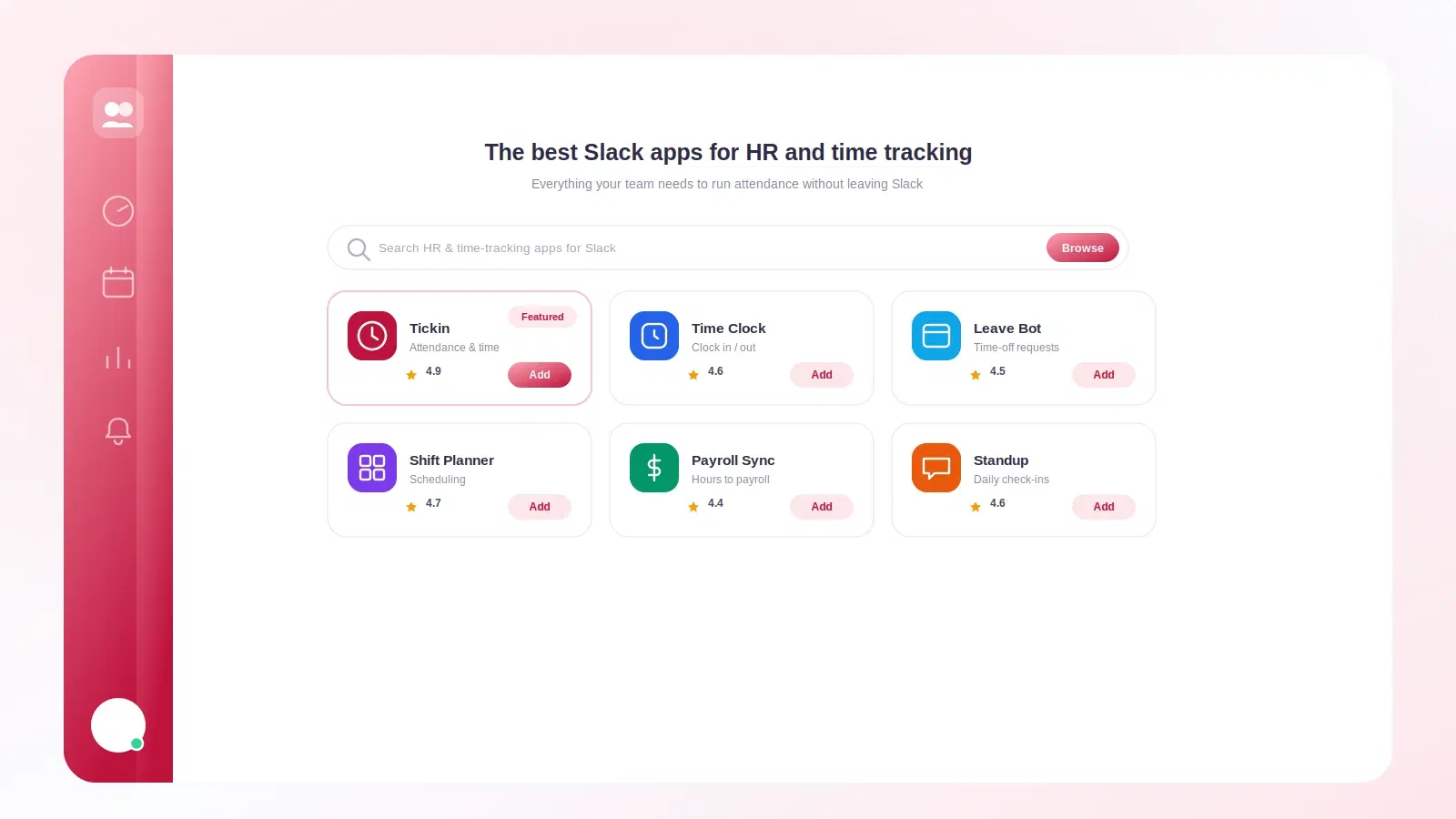
The first time I helped a team pick a Slack app for attendance, we installed four of them in a week. One was gorgeous but couldn't handle a lunch break. One tracked time beautifully and had no concept of vacation. One wanted permission to read every message in the workspace, which ended that trial fast. The fourth did the job, quietly, and we kept it.
That week taught me something useful. The Slack app store makes everything look similar. Screenshots are polished, the copy is confident, and the differences that actually matter are buried three clicks deep. So this is the checklist I wish I'd had: what a good HR and time tracking app for Slack should do, what should make you close the tab, and how to compare them without installing all four.
TL;DR
- A solid Slack HR app covers four basics well: clock-in and out, breaks, leave requests, and manager reports.
- Privacy is a real decision. Check the permission scopes before you install, not after.
- Watch for red flags: no break support, no export, message-history access, or pricing that hides the real cost.
- Combining time tracking and leave in one app beats stitching two together.
- Pick the tool that fits how your team already talks, not the one with the flashiest demo.
Start with the four things that must work
Most teams need the same core loop. People show up, take breaks, take days off, and someone has to see the totals. If an app is shaky on any one of these, the gaps land on your desk.
Clock in and out
This is the foundation. A person types a command or taps a button, and the app records the moment. Look for actions that live where people already are, so nobody opens a separate site to say they've started work. If you want the mechanics of this, we walk through it in The Best Way to Clock In and Out in Slack.
Breaks
Breaks are where cheap apps fall apart. A real workday has a lunch, maybe a coffee run, sometimes a school pickup. The app should pause the clock and resume it cleanly, and it should be obvious later whether a break was paid or unpaid. If breaks are an afterthought, your hours will be wrong by month end.
Leave and time off
Attendance and leave are two halves of the same question: who is here today? An app that tracks hours but ignores vacation forces you to keep a spreadsheet on the side. Look for time-off requests, a manager approval, and a balance that goes down when leave is taken.
Reports and approvals
Finally, someone has to sign off and someone has to pay people. The app should give a manager a clear view of the week, let them approve or fix entries, and export totals in a format payroll accepts.
A capability checklist you can score
Here is the comparison I use. Rate each candidate app on every row. If a tool scores poorly on the top four, the rest rarely rescues it.
| Capability | Why it matters | Green flag | Red flag |
|---|---|---|---|
| Clock in and out | The core record | One tap or one command | Opens an external site |
| Break tracking | Keeps hours accurate | Paid and unpaid breaks | No break concept at all |
| Leave requests | One source for who's off | Request, approve, balance | Vacation lives elsewhere |
| Approvals | Managers stay in control | Edit and sign off in Slack | No way to correct entries |
| Reports and export | Feeds payroll | CSV or payroll export | View-only, no download |
| Privacy scopes | Trust and safety | Reads only its own commands | Wants full message history |
| Pricing clarity | No surprises | Per person, free small tier | Hidden setup or jump fees |
| Reminders | Fewer missed entries | Gentle nudges, editable | Spammy or none |
Print it, share it with whoever else is deciding, and fill it in during each trial. A tool that earns green flags across the top rows is usually the keeper.
Red flags worth walking away from
Some warning signs look small and cost you later.
- No break support. You will end up correcting timesheets by hand every single week.
- No export. If numbers cannot leave the app, someone re-types them into payroll, and re-typing means errors.
- Broad message permissions. An HR app has no reason to read your team's conversations. Requesting that scope is a reason to stop.
- Confusing pricing. Free for three people, then a cliff at your exact size, is a common trap. Read the tiers before you commit.
- No manager view. If a lead cannot see and fix the week in one place, approvals turn into a chat thread nobody can audit.
Privacy: read the scopes before you install
When you add a Slack app, Slack shows you a permission screen. Most people click through it. Slow down for this one.
A well-designed HR app asks for narrow OAuth scopes: the ability to receive its own slash commands, post messages, and open dialog windows. That is enough to clock people in, record leave, and send reminders. It does not need to read channel history, and it does not need your files.
If the screen asks for something that feels larger than the job, treat that as the answer. You can always ask the vendor why a scope is needed. A trustworthy one will explain it in plain language.
A worked example: two apps, same team
Say you run a distributed team of 20. You are comparing App A, a pure time tracker, and App B, which handles time and leave together. Both cost about $3 per person each month.
With App A, you pay $60 a month for time tracking. Leave lives in a spreadsheet you maintain. Each month you spend roughly two hours reconciling who was off against the hours report, because the two never agree on their own. At a modest $30 an hour for your time, that is $60 of labor. Real monthly cost: about $120, plus the risk of a missed vacation day slipping into a paycheck.
With App B, you pay the same $60 for one tool that knows both hours and leave. Reconciliation drops to near zero because a day off already reduces the hours total. Real monthly cost: about $60, and the month-end export goes straight to payroll.
Same sticker price. Half the true cost. This is why the "does it do leave too?" question matters more than it first appears. If leave is a big part of your world, Leave Management for Small Teams is worth a read before you decide.
Match the app to how your team works
The best app is the one people actually use. Ask a few honest questions about your team.
- Where do people spend the day? If Slack is home base, an app that keeps everything in Slack wins. If half the team is on the road, check for a mobile or desktop option too.
- How technical is everyone? A slash command is fine for engineers. A tappable button is friendlier for a mixed team.
- Who runs payroll? Talk to that person first. Their export format will quietly decide which apps are viable.
- How much admin do you have time for? The right tool removes chasing, not adds it.
For the mechanics of tracking hours inside Slack specifically, How to Track Time in Slack covers the day-to-day flow. And if you are weighing Slack against a standalone system, Timesheet Software for Small Businesses lays out the trade-offs.
Where Tickin fits
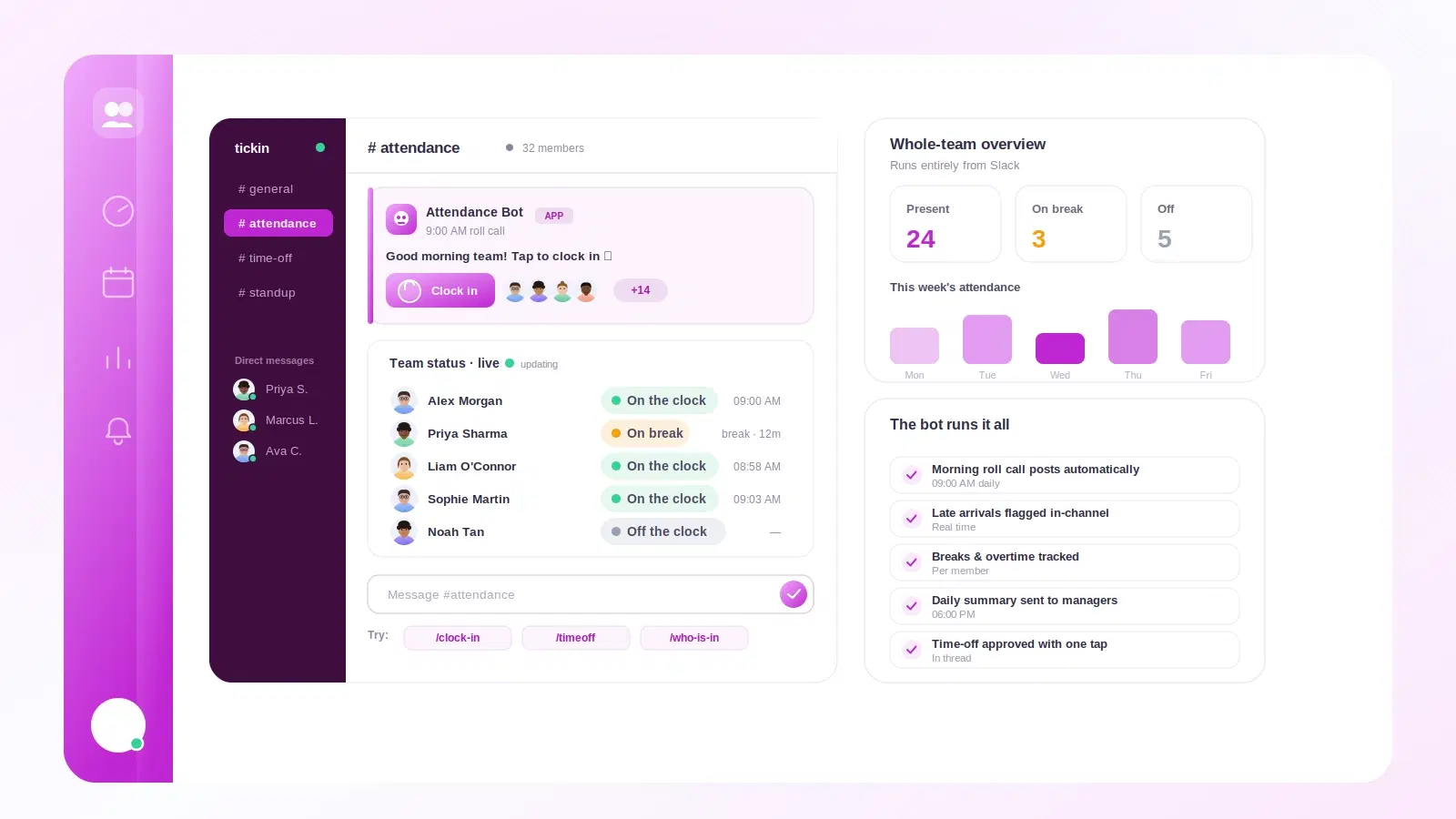
Tickin, an all-in-one Slack attendance app, was built to pass the checklist above rather than dodge it. People clock in and out from Slack with a command or a button, breaks pause and resume the clock, and time-off requests flow to a manager for a one-click approval. The permission scopes are narrow: Tickin reads the commands and clicks you send it, and nothing else in your workspace.
Reports roll up by person and by week, and totals export cleanly for payroll. Small teams stay free up to 10 people, then it is a few dollars per person each month with plans that scale as you grow, so there is no cliff at an awkward number. If Slack is where your team lives, that is where attendance, breaks, and leave can live too.
See how the pieces fit on the features page, or start free at signup and score us against your own checklist.
Frequently asked questions
What should a Slack HR app do at minimum?
It should let people clock in and out, record breaks, request time off, and give managers a clean report. Anything less usually creates more admin than it removes.
Are Slack time tracking apps accurate enough for payroll?
Good ones are, because they timestamp each action to the second and store a full log. Check that the app exports totals you can hand to payroll without re-typing them.
Do Slack HR apps see my private messages?
A well-built app only reads the commands and clicks you send to it. Review the requested permission scopes before installing, and avoid any app asking for full message history.
How much should a Slack HR app cost?
Expect a few dollars per person each month, often with a free tier for small teams. Watch for setup fees or charges that jump sharply once you pass a size threshold.
Can one Slack app handle time tracking and leave together?
Yes, and combining them is usually better. One record of who worked and who was off means fewer tools, one source of truth, and simpler reporting at month end.
Choosing well, once
You do not have to install four apps in a week the way I did. Score the candidates against the four basics, check the permission scopes with your own eyes, and follow the true cost rather than the sticker price. The app that keeps time, breaks, and leave in one honest record, at a price that does not spike, is almost always the right pick. Everything else is polish.
When you are ready, start free with Tickin and run it against your own checklist for a week. Then, if leave is on your mind, read Leave Management for Small Teams next.