Employee Scheduling Software: A Buyer's Guide for Small Teams
How to choose employee scheduling software: the features that matter for your kind of schedule, questions to ask in a trial, pricing traps, and when you need one.
Scheduling software ranges from a simple list of who works which hours to full rota planners with swaps, open shifts and demand forecasting. Most small teams need something in between, and the right choice depends less on the tool than on what your schedule actually looks like.
This guide helps you work out what you need, which features matter for your kind of team, what to test in a trial, and when you may not need dedicated scheduling software at all.
Start with your schedule type
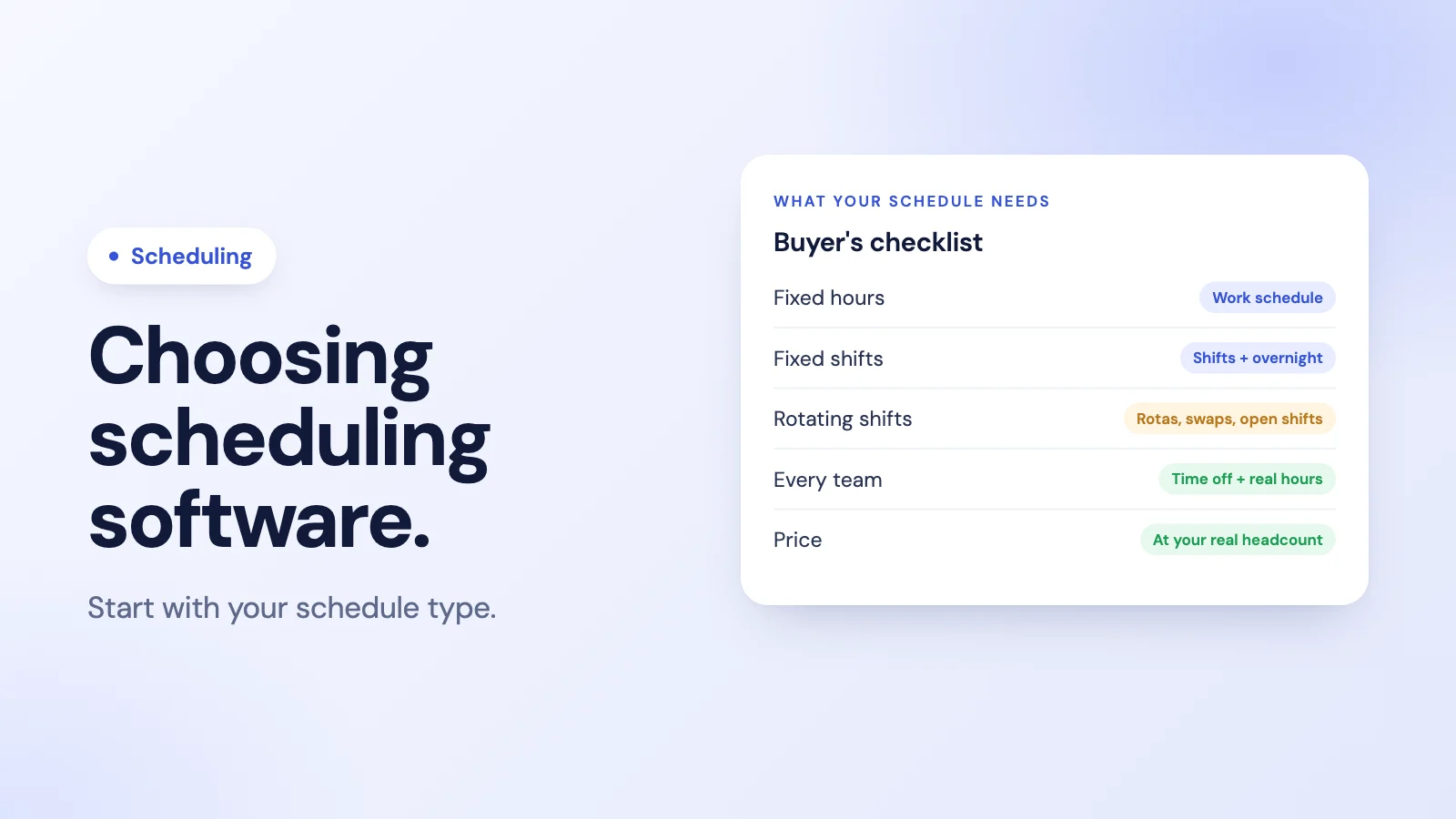
Before comparing tools, describe your schedule honestly. Most teams fall into one of three types.
Fixed hours. Everyone works the same office hours, Monday to Friday, with occasional exceptions. You mostly need a work schedule, time off, and a way to record hours. A full scheduling tool is often more than you need.
Fixed shifts. People work set shifts that rarely change: an early team, a late team, a night team. You need shifts per person or department, overnight support, and an easy way to change a single day.
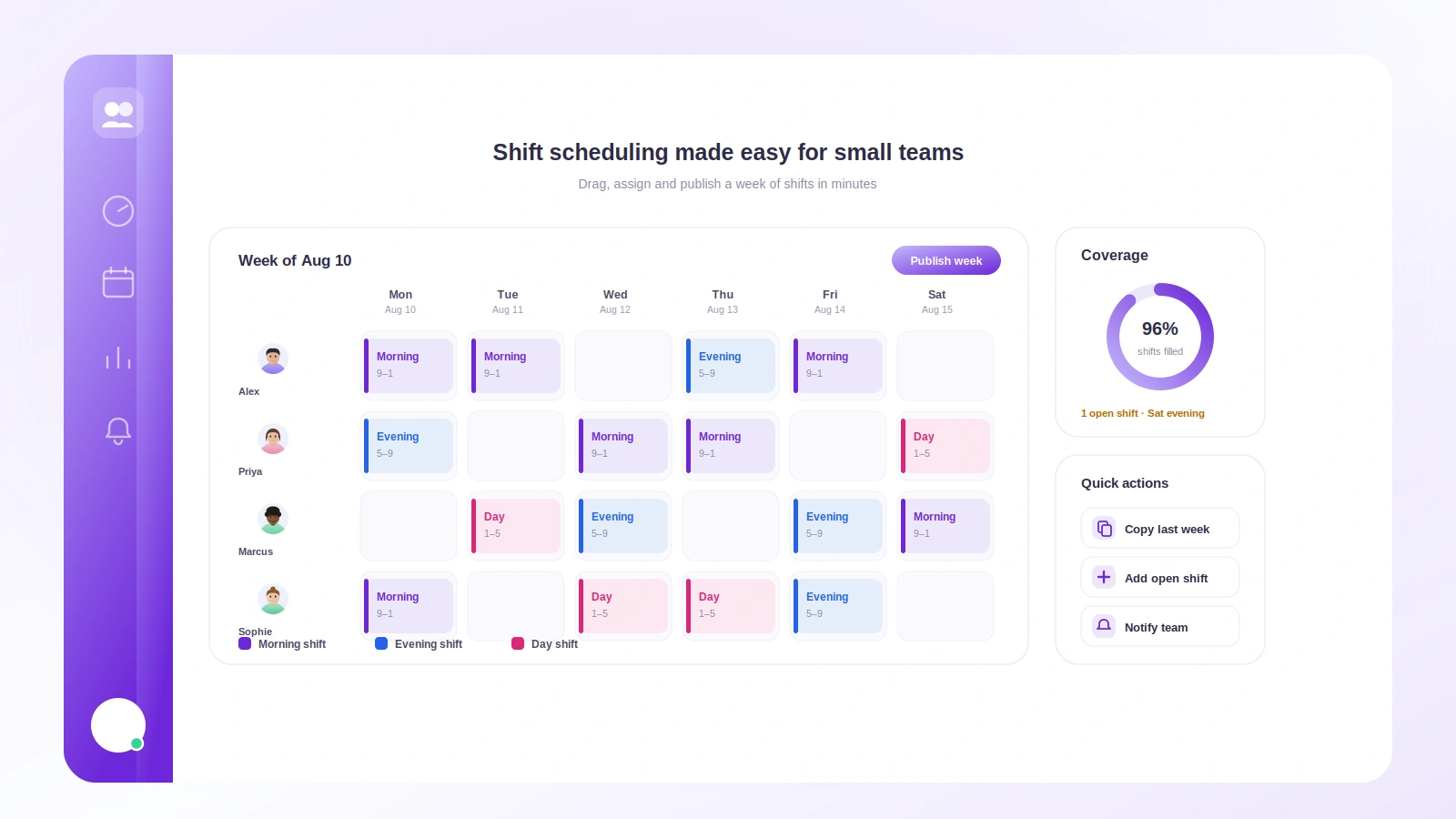
Rotating or variable shifts. The rota changes week to week, people swap shifts, and cover has to be arranged around time off and availability. This is where dedicated scheduling software earns its keep.
Our guide to shift scheduling for small teams covers the practical side of each pattern.
Features that matter
For every team
- Working hours per person or team, including part-time patterns and different working days.
- Time off on the schedule, so nobody is scheduled while on approved leave.
- One-off changes to a single day without rebuilding the whole schedule.
- Notifications when the schedule changes, in a place people actually look.
- Mobile access for checking the schedule away from a desk.
- A link to actual hours, so you can compare scheduled hours with worked hours. Our post on office hours vs working hours explains why the two differ.
For shift-based teams
- Overnight shifts that are counted correctly across midnight.
- Rota building, ideally from templates or repeating patterns.
- Shift swaps between staff, with manager approval.
- Open shifts that qualified staff can claim.
- Availability so people can say when they cannot work.
- Labour cost visibility while you build the rota.
For distributed teams
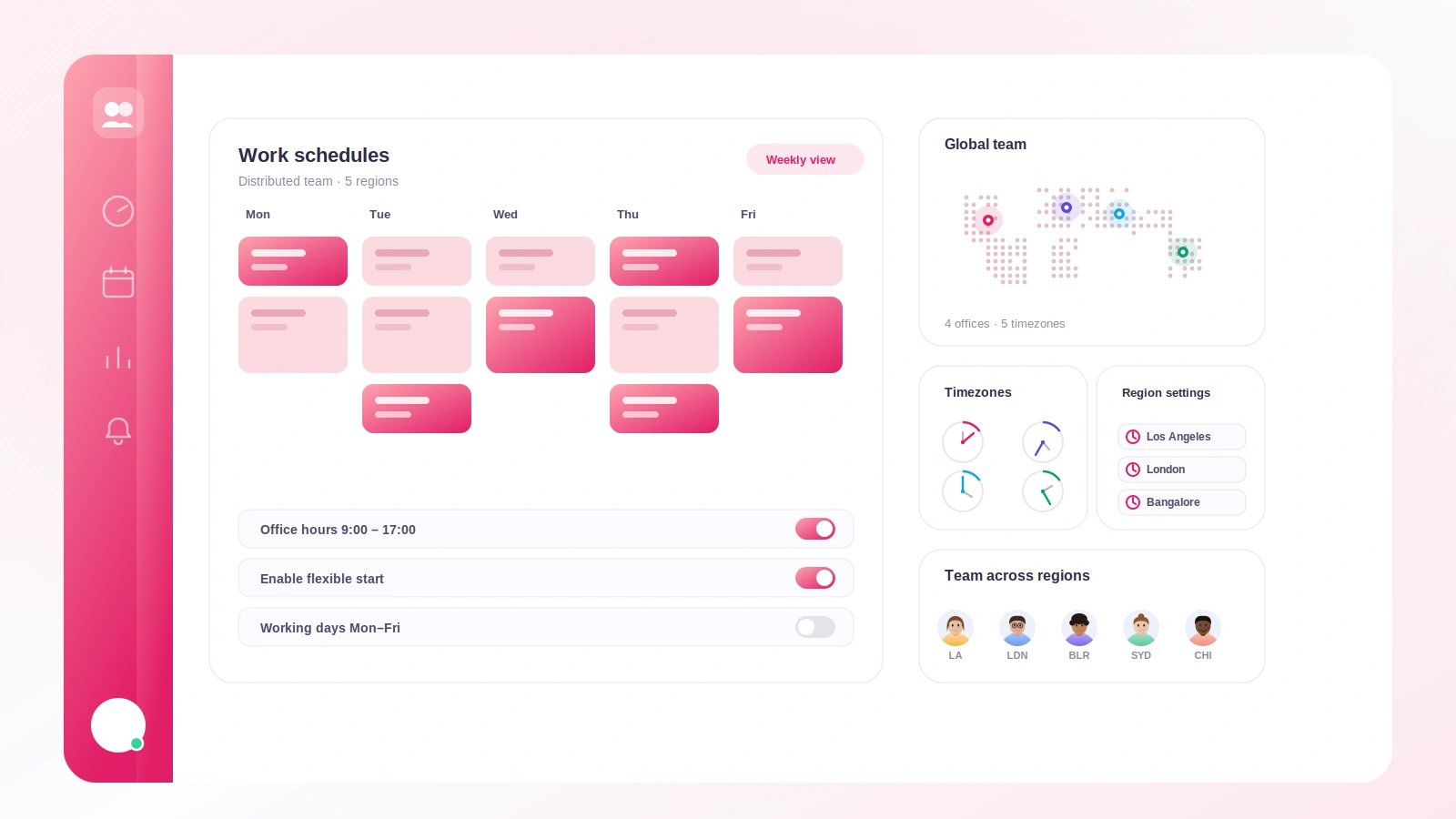
- Time zones handled per person, so a schedule means the same thing everywhere. Our guide to configuring work schedules for distributed teams covers the details.
Questions to ask in a trial
- Can I set up our real schedule, including our awkward cases, in under an hour?
- What happens to the schedule when someone's leave is approved?
- How do people find out about a change, and how quickly?
- Can a manager change one day without touching the rest of the week?
- How are overnight shifts counted when we calculate hours?
- If we need swaps or open shifts later, which plan are they on?
- Can we export the schedule and the hours worked?
Pricing traps to watch for
- Per-user pricing at your real headcount. A low starting price can look different at 25 people.
- Features split across tiers. Rotas, integrations and reporting are often on higher plans.
- Minimum seats or annual-only billing.
- Add-ons for things you assumed were included, such as mobile clock-in or payroll export.
When you might not need scheduling software
If your team works fixed hours or fixed shifts, a work schedule inside your time tracking tool may cover everything: who should work when, who is on leave, and how many hours they actually worked. Adding a separate scheduling tool means another login, another place for data to disagree, and another bill. If you are still planning shifts on paper, our shift schedule template is a free place to start.
Where Tickin fits
Tickin is a time tracking, attendance and leave tool that includes scheduling for fixed hours and fixed shifts. It is not a rota planner.
What it does:
- A work schedule on every plan: office hours, daily hours and working days for the workspace.
- Shifts on the Growth plan and above: one active shift per employee, or a shift for a whole department, each with its own working days. Overnight shifts, such as 22:00 to 06:00, are supported.
- Single-day changes: admins, and team leads for their own team, can change one day's hours, mark a day as working or off, or set a different break, on the Growth plan and above. If a change overlaps someone's approved leave, they are asked to acknowledge it.
- Schedule linked to hours: clock-ins from Slack, the web or the optional Desktop App (and Microsoft Teams on the Scale plan) are measured against the schedule, so worked hours, overtime and, if you turn on grace-period tracking, late arrivals follow it.
What it does not do: build rotating rotas, handle shift swaps, offer open shifts, or plan cover from availability. If your schedule needs those, a dedicated scheduling tool will serve you better, and you may still want Tickin for attendance, leave and payroll alongside it.
See shift scheduling in Tickin. Once hours are recorded, our guide on how to calculate hours worked covers turning them into payable time.
Frequently asked questions
What is employee scheduling software?
Software that plans who works when. At its simplest it holds each person's working hours; more advanced tools build rotating rotas, let staff swap or pick up shifts, account for time off and availability, and connect the schedule to clock-ins and pay.
Do small businesses need employee scheduling software?
Not always. If everyone works the same office hours, a work schedule in your time tracking tool may be enough. Dedicated scheduling software earns its keep when shifts vary week to week, cover has to be arranged around time off, or staff regularly swap shifts.
What features should employee scheduling software have?
It depends on your schedule type, but most teams need: shifts and working hours per person, a view of time off, notifications when the schedule changes, mobile access, and a link from the schedule to actual hours worked. Shift-based teams also need rotas, swaps and open shifts.
How much does employee scheduling software cost?
Most tools charge per user per month, often with a free plan for small teams and higher tiers for features such as rotas, integrations or reporting. Compare the price for your real headcount, and check which features sit on which plan.
Is Tickin employee scheduling software?
Partly. On the Growth plan and above, Tickin assigns each person or department a shift, supports overnight shifts and lets admins and team leads change single days. It does not build rotating rotas, handle shift swaps or offer open shifts, so teams that need those should use a dedicated scheduling tool.
The takeaway
Choose scheduling software by your schedule type, not by the longest feature list. Fixed hours rarely need a dedicated tool; fixed shifts need shifts, overnight support and easy one-day changes; rotating shifts need rotas, swaps and open shifts. Test your real, awkward cases in a trial, and price it at your real headcount.