Project Time Tracking: Track Hours by Project and Task
How project time tracking works, why hours-by-project beats a plain timesheet, and how to track time against projects and tasks without slowing your team down.
An agency founder I know priced every project the same way: gut feel, plus a bit. Some jobs were wildly profitable, others quietly lost money, and she had no idea which was which. Her team tracked hours — payroll was fine — but nobody tracked what the hours were spent on. So when a client asked why a "small" change cost what it did, she had a timesheet full of totals and nothing to point to.
That gap is what project time tracking closes. It's the difference between knowing your team worked 40 hours and knowing those 40 hours turned into two profitable projects and one that ate its own margin.
TL;DR
- Project time tracking attributes worked hours to a specific project or task, not just the day.
- It turns attendance data into something you can bill, budget, and price with.
- It matters most for teams that bill hourly, quote fixed-price work, or want to know which projects actually make money.
- Keep logging fast, or people won't do it — the best system captures project time as a by-product of clocking in.
What project time tracking adds
A standard timesheet answers one question: how long did someone work? That's enough for payroll and attendance. But it can't tell you where the time went, and that's the question that runs a services business.
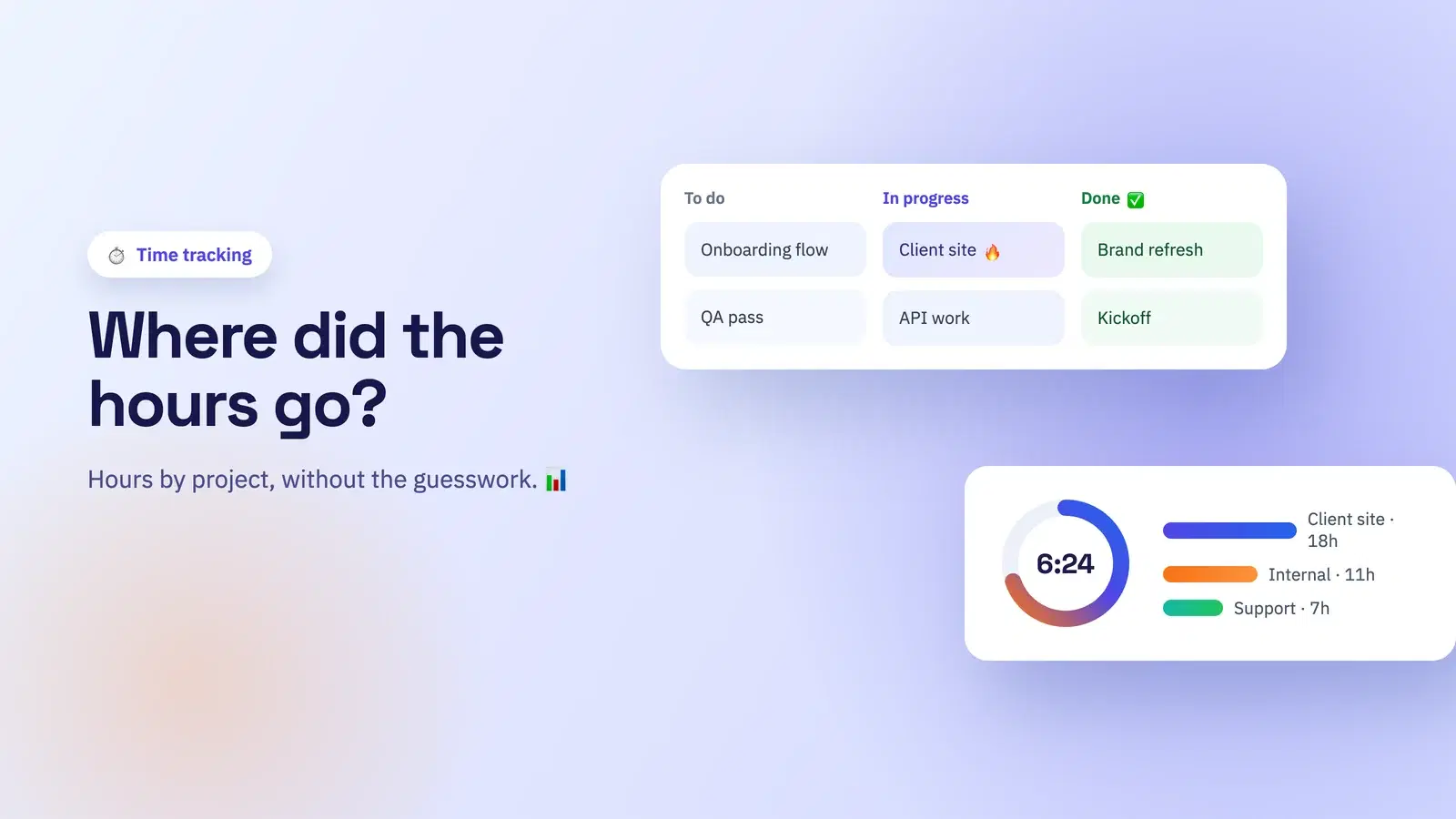
Project time tracking adds that missing dimension. Each block of worked time is tagged to a project — and often a task within it — so your hours stop being a single number and become a map. Now you can answer things a plain timesheet never could:
- Which project consumed the most hours this month?
- Are we inside the budget we quoted the client?
- What did that "quick" revision actually cost us?
- Which clients are profitable, and which just feel busy?
None of that shows up in a total. All of it shows up when hours are attributed to work.
Timesheet vs project time tracking
| Plain timesheet | Project time tracking | |
|---|---|---|
| Answers | How long did they work? | What did they work on? |
| Good for | Payroll, attendance | Billing, budgeting, pricing |
| Output | Hours per person | Hours per project + person |
| Who needs it | Every team | Teams that bill or budget by project |
If you only need to pay people and keep an attendance record, a plain timesheet is fine — start with time tracking for small businesses. The moment project profitability, client billing, or quoting enters the picture, you've outgrown totals.
Getting it right without slowing people down
The reason most project time tracking fails is friction. If logging time means stopping work to fill in a form, people batch it on Friday from memory, and Friday-from-memory data is fiction. Accuracy comes from making it effortless.
- Capture in the moment. Let people tag time to a project as they clock in or switch tasks, not at the end of the week.
- Keep the list short. A tidy set of active projects and tasks beats a sprawling menu nobody wants to scroll.
- Assign after the fact when needed. Sometimes it's easier to clock the day normally and split it across projects afterwards. Both should be possible.
- Mark what's billable. Flag billable projects so billable-hours reporting falls out automatically instead of being reconstructed.
- Connect it to the clock you already use. If people clock in through chat — see how to track time in Slack — project tagging should live in the same flow.
Do this and project time becomes a by-product of normal clocking-in, not a second chore. That's the only version that survives contact with a busy week.
From hours to decisions
The payoff isn't the data, it's the decisions. Once you can see hours by project, three things get better fast:
- Billing. Billable-hours totals per client come straight from the log, so invoices match reality and disputes drop.
- Pricing. Your last three projects tell you what the next quote should be. Gut feel becomes evidence.
- Focus. When a project is quietly consuming half the team's week, you see it early enough to act, instead of at the post-mortem.
For distributed teams this matters even more, because you can't glance around a room to sense where effort is going — the data is your only view. We cover that setup in time tracking for distributed teams.
Doing this in Tickin
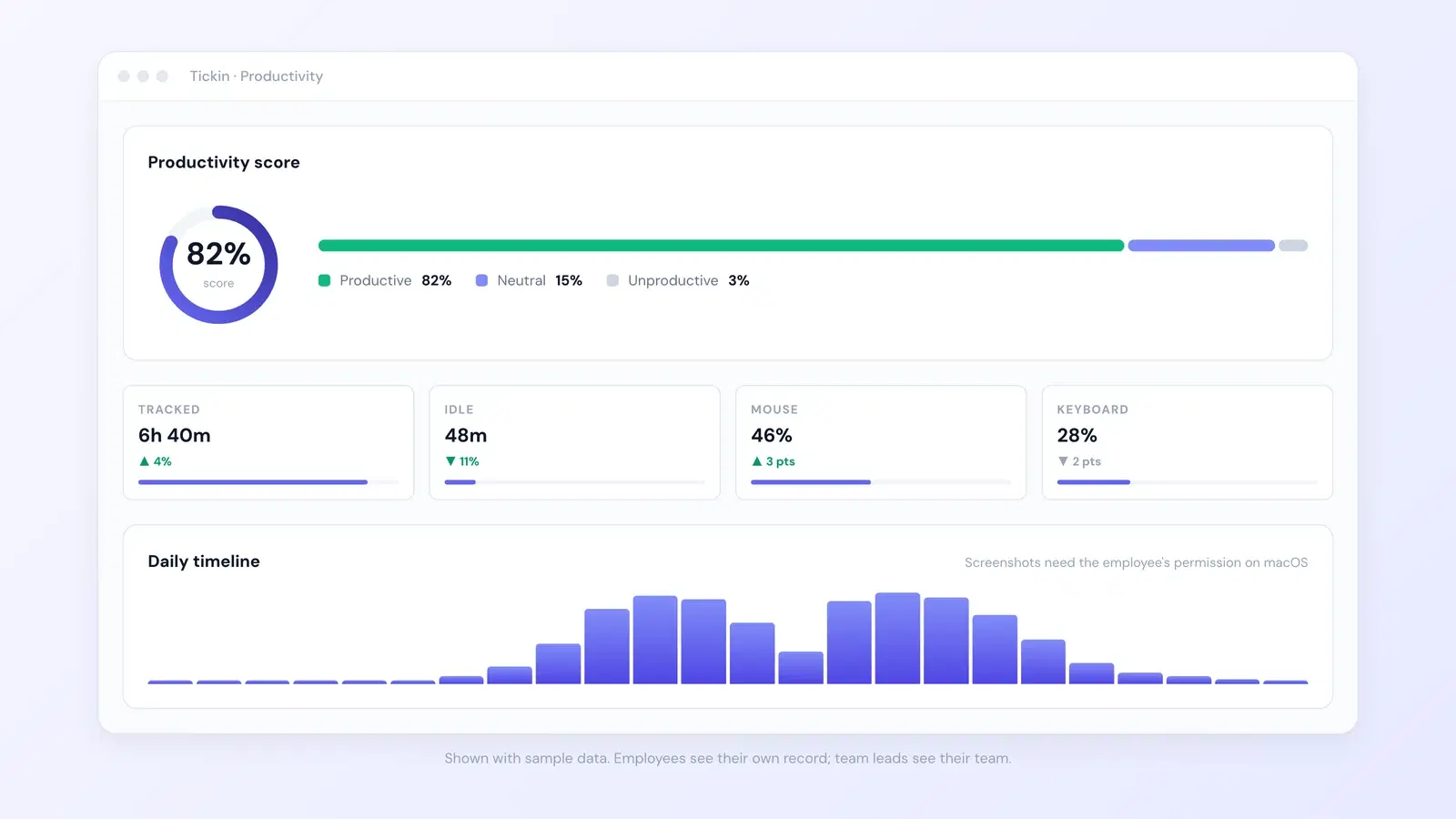
Tickin connects the clock your team already uses to the projects they're working on. People clock in from Slack, Teams, or the web as usual, and hours can be tracked against a project and task — so the same action that records attendance also tells you where the time went. Managers get a view of hours by project and person, billable work is flagged, and it all rolls up alongside timesheets and payroll instead of living in a separate tool.
Because it's built on the same attendance record, there's no double entry: project time and worked hours are one dataset. See the time tracking feature and how it scales under time tracking for distributed teams, and compare it with plain totals in timesheet software for small businesses.
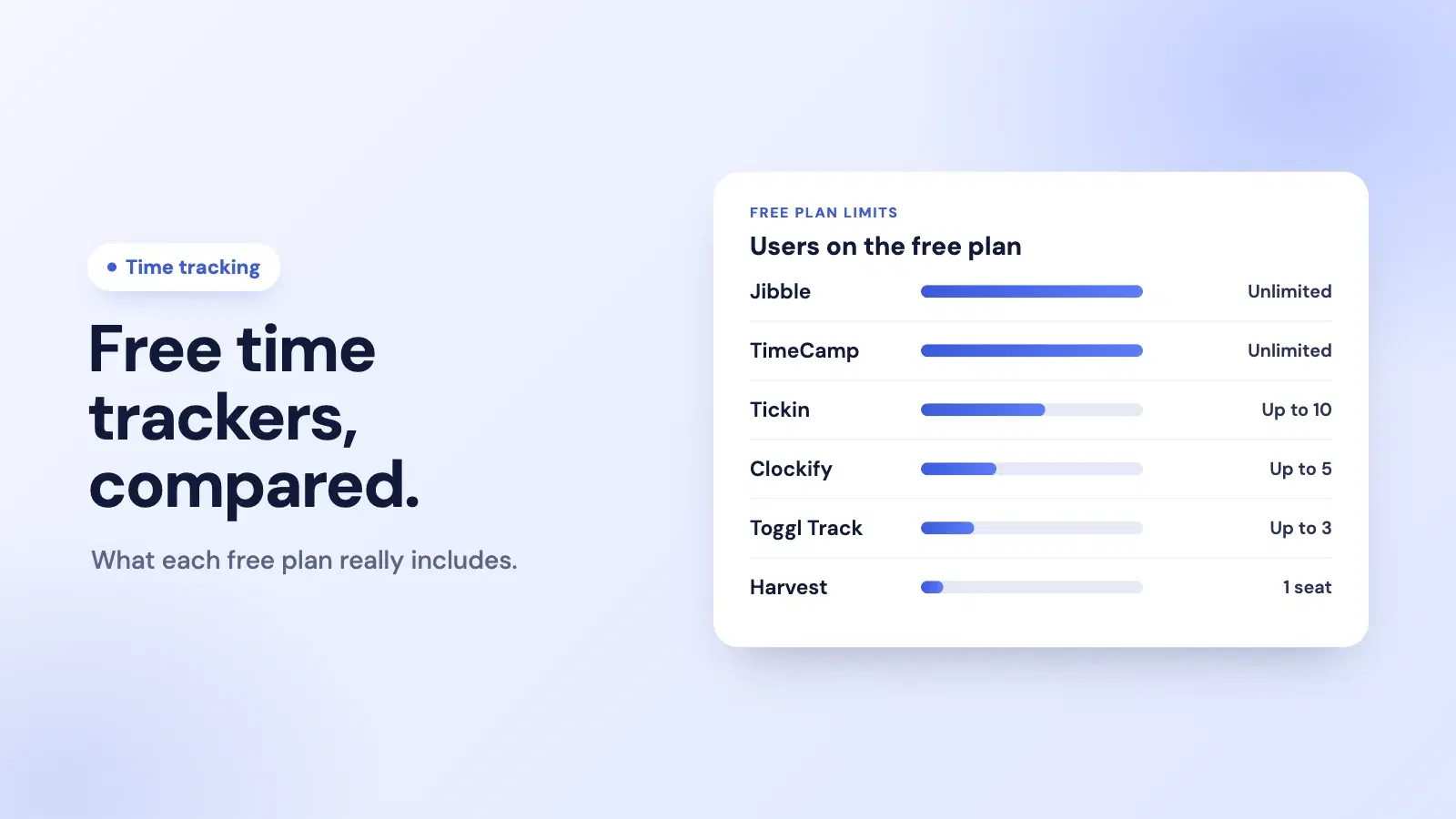
Basic time tracking is free for up to 10 people; project and task tracking is part of the Scale plan for teams that bill or budget by project.
Frequently asked questions
What is project time tracking?
Project time tracking records worked hours against a specific project or task, not just the working day. It tells you where the time went, so you can bill accurately, price the next job, and see which work is eating your team's week.
How is project time tracking different from a normal timesheet?
A normal timesheet answers 'how long did someone work?'. Project time tracking answers 'what did they work on?'. It attributes each block of time to a project or task, turning attendance data into something you can bill and budget with.
Do small teams need project time tracking?
If you bill by the hour, quote fixed-price work, or want to know which clients and projects are profitable, yes. If you only need to run payroll and attendance, a plain timesheet is enough until project profitability starts to matter.
How do you track billable hours accurately?
Let people log time against the project or task as they work, or assign clocked hours to a project afterwards, and mark which projects are billable. Accuracy comes from making logging quick enough that people actually do it in the moment.
Where to go from here
Plain timesheets tell you a team worked. Project time tracking tells you what that work was worth — which is the number that actually runs a services business. Keep the logging effortless, tie it to the clock you already use, and let billing, pricing, and focus improve on the back of real data instead of gut feel.
If you bill or budget by project, start free with Tickin and move to the Scale plan when you are ready to connect your first project to the clock, then read timesheet software for small businesses to see where plain totals stop being enough.