Time Management Tools for Teams: What Actually Helps (and What Doesn't)
The six kinds of time management tools teams use, what each one is good for, the mistakes that waste more time than they save, and how to pick a small set.
Most teams do not have a time management problem because they lack tools. They have it because they have too many, each holding a slice of the truth: the plan in one place, the work in another and the hours nowhere.
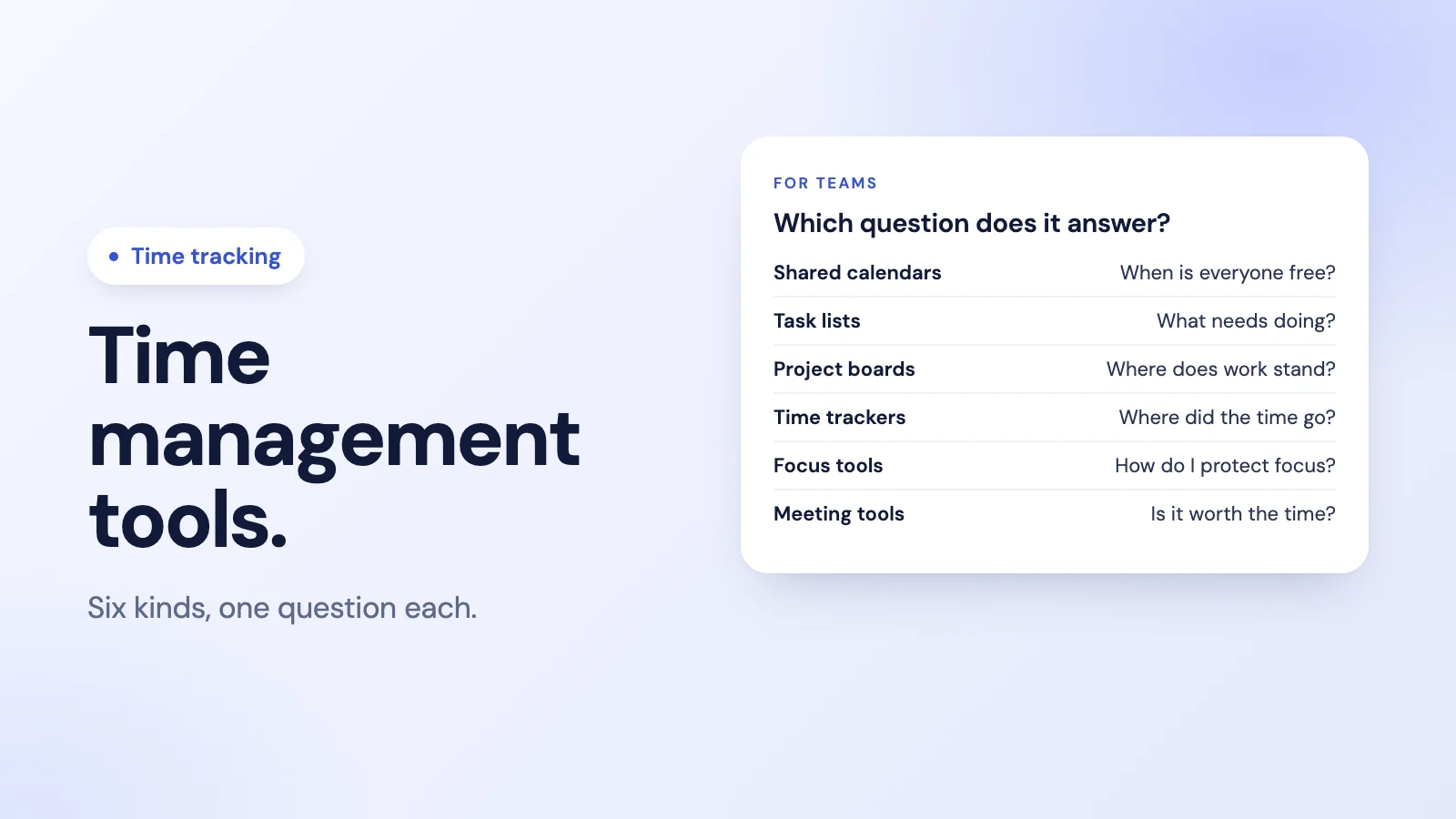
This guide looks at the six kinds of time management tools teams use, what each is actually good for, and how to choose a small set that people will use.
The six kinds of tools
1. Shared calendars
The question it answers: when is everyone available?
Calendars hold meetings, deadlines and time off. Their underrated use is blocking time: putting focused work on the calendar so it is protected like a meeting. For a team, the value is that everyone can see each other's availability without asking.
Watch out for: calendars that show only meetings, so a full day of focused work looks "free".
2. Task lists
The question it answers: what needs doing, and by whom?
A shared task list turns vague intentions into owned, dated items. Simple is better: a list people actually update beats a sophisticated system nobody trusts.
Watch out for: lists that grow forever. If nothing is ever closed or dropped, the list stops being a plan.
3. Project boards
The question it answers: where does each piece of work stand?
Boards show work moving through stages, which helps teams spot bottlenecks and avoid starting too many things at once.
Watch out for: tracking work in so much detail that updating the board becomes the work.
4. Time trackers
The question it answers: where did the time actually go?
Time tracking records when work starts and stops, and in some tools what it was spent on. It is the reality check on every plan: a team that planned three days for a job and spent eight learns more from that gap than from any planning tool. For hourly and shift teams, it is also what pay is based on. Our guide to time tracking for small businesses covers the basics, and project time tracking covers tracking hours against work.
Watch out for: tracking that feels like surveillance. Track hours, not keystrokes; see how to introduce employee monitoring if you are considering more.
5. Focus tools
The question it answers: how do I protect time to think?
Focus timers, do-not-disturb schedules and notification limits help individuals guard deep work. They matter more for teams than they seem: one person's constant pings are everyone's interruptions.
Watch out for: treating focus as personal discipline only. Team norms, such as quiet hours or no-meeting afternoons, do more than any app. If your team holds a daily stand-up, keep it short: see daily stand-up meetings for remote teams.
6. Meeting tools
The question it answers: is this meeting worth the time it costs?
Agendas, time limits and short notes turn meetings into decisions. A one-hour meeting with eight people costs eight hours of the team's time.
Watch out for: recurring meetings nobody questions. Review them every quarter.
What actually helps
- One home for each kind of information. One place for tasks, one calendar, one source of hours. Two task lists means neither is trusted.
- Tools that live where people work. A tool inside the chat or calendar the team already has open gets used; a tool that needs its own tab every day gets forgotten.
- Small daily effort. If logging takes more than a few seconds, people batch it at the end of the week from memory, and the data drifts.
- A clear reason for the data. People log time willingly when they know it is used for fair pay, realistic plans and spotting overload, not to judge them.
- Regular review. A weekly look at plan versus reality is where time management actually improves.
What doesn't help
- Adding a tool for every problem. Each new tool splits attention and data further.
- Measuring busyness instead of outcomes. More hours logged is not more done.
- Rules nobody models. If managers do not use the tool, the team will not either.
- Perfect systems. A good-enough system used every day beats a perfect one used for a week.
How to choose a small set
- Write down your team's real problem. Missed deadlines, overload, unclear priorities and too many meetings need different tools.
- Cover three jobs with as few tools as possible: planning work, protecting time to do it, and seeing where time went.
- Prefer tools that integrate with your chat and calendar.
- Trial with the whole team for two weeks, then keep only what people actually used.
- Review after a quarter and remove what no longer earns its place.
Where Tickin fits
Tickin's part of time management is the reality check: knowing when work actually happened, which is what an employee productivity tool should measure first. People clock in and out with /tickin start and /tickin end in Slack, @Tickin in Microsoft Teams on the Scale plan, or in the browser. Breaks are deducted, and managers see who is working now and the hours behind each day and week, without chasing anyone for timesheets.
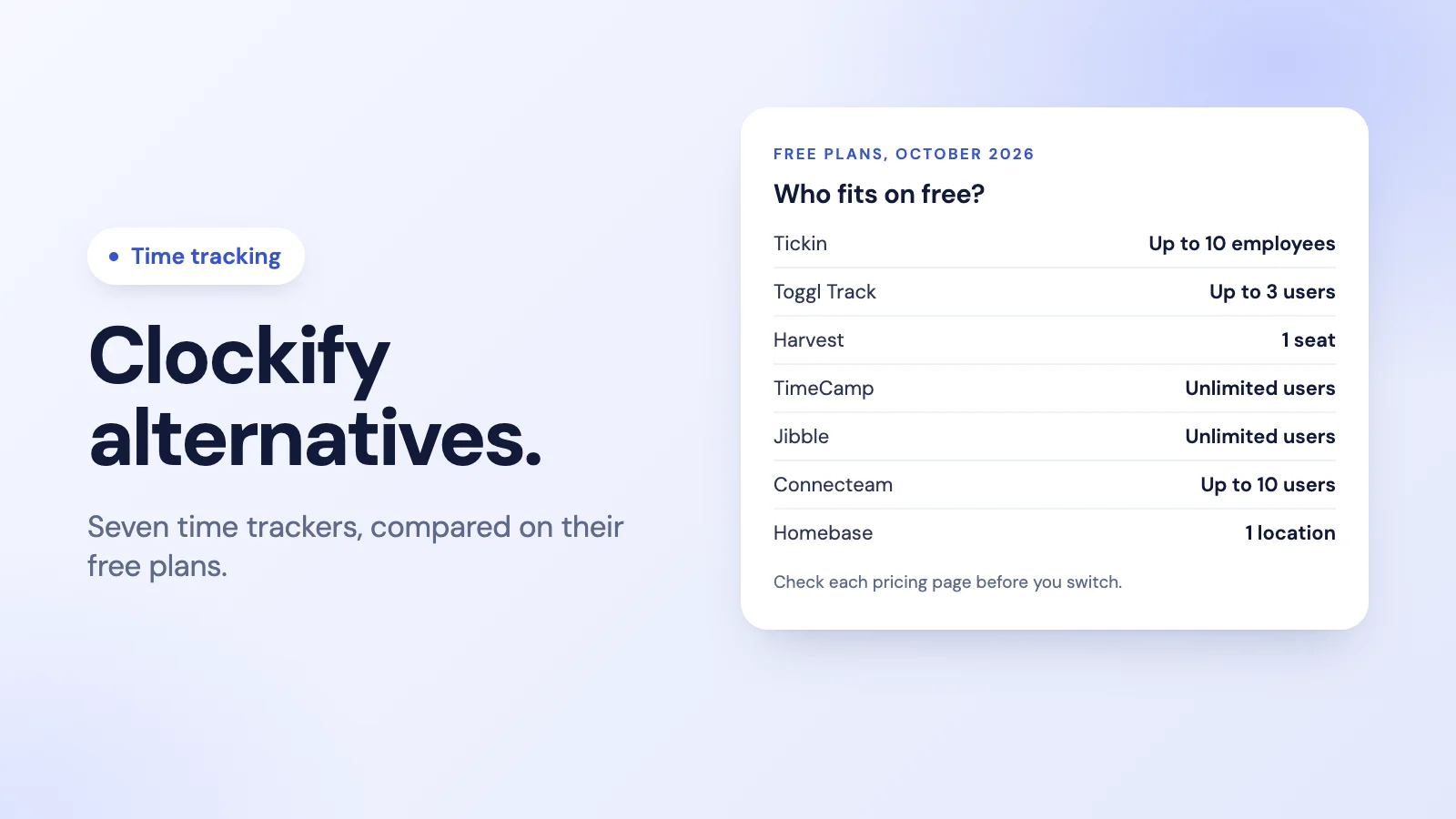
It is free for up to 10 employees. See time tracking in Tickin, or how teams use it for time tracking across distributed teams.
Frequently asked questions
What are time management tools?
Tools that help people decide what to work on, protect time to do it and see where time actually went. For teams they usually include a shared calendar, a task or project tool, a time tracker and something to keep meetings in check.
What is the best time management tool for a team?
There is no single best one. Most teams need one tool for planning work, one for when work happens, and one way to see where time went. Choose the smallest set that covers those three and that people will actually open every day.
Is time tracking the same as time management?
No. Time management is deciding how to spend time; time tracking records how it was actually spent. Tracking is useful because it shows the gap between the plan and reality, but it does not plan anything on its own.
How do I get a team to use a time management tool?
Put it where they already work, keep it to a few clicks a day, explain what the data is for, and use it yourself. Tools that live inside the chat or calendar the team already has get used far more than one more app to remember.
Does Tickin help with time management?
Tickin's part is time tracking: people clock in and out from Slack, the web or Microsoft Teams on the Scale plan, breaks are deducted, and managers see who is working and the hours behind each week.
The takeaway
Good time management for a team is less about finding the perfect app and more about a small, honest set: one place to plan, protected time to work, and a true record of where the hours went. Choose tools that live where your team already works, and review plan against reality every week.