Best Slack Attendance Software: What a Good Attendance Bot Should Do
What the best Slack attendance software does: clock in with /tickin start, leave requests, one-click approvals, team dashboards, reports, and its limits.
Most attendance tools fail for the same quiet reason: they ask people to leave the app they already work in. A Slack attendance bot removes that friction. If the clock lives where the conversation lives, more punches actually happen, and the timesheet stops being a Friday-afternoon reconstruction.
But "clock in from Slack" is only the starting point. The best Slack attendance software does the whole job, from a fumbled morning clock-in to a manager approving leave between meetings, without anyone opening a browser. Here is what that looks like with Tickin's Slack attendance bot.
TL;DR
- A Slack attendance bot lets people clock in, break, and request leave from chat, with records syncing to a central HR system.
- The best ones go beyond clock-ins: interactive leave and correction approvals, team dashboards, and scheduled reports.
- Everything runs through one
/tickincommand that adapts to the person's role. - Setup is a one-click Slack marketplace install with OAuth, no tokens or webhooks.
One command, for everyone
Tickin runs on a single command, /tickin, and it adapts to who is asking. An employee gets self-service. A manager gets their team. An admin gets the whole workspace. Type /tickin on its own and it opens a role-aware home with quick-action buttons, so there is nothing to memorise.
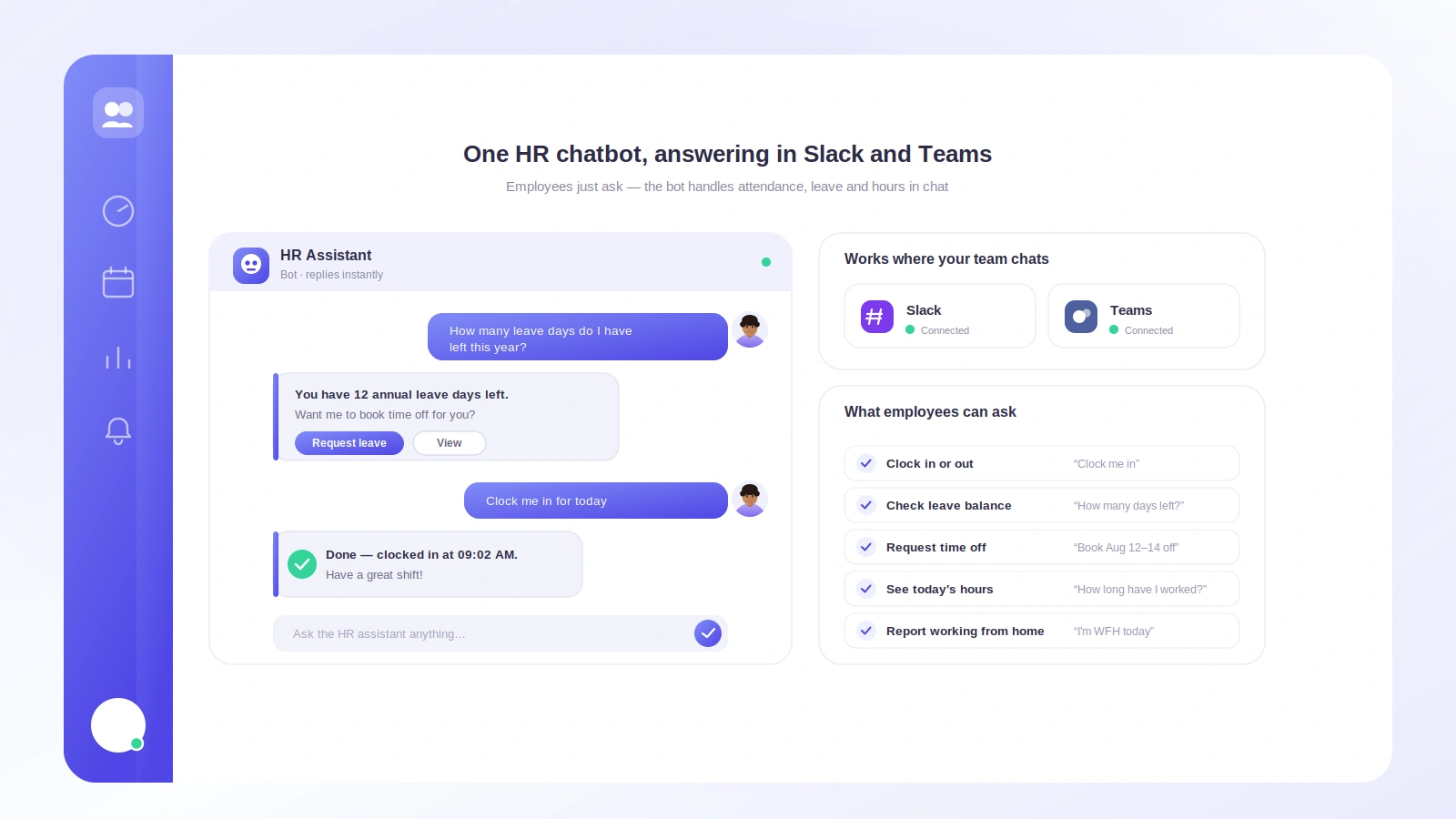
For an employee that means: clock in with /tickin start, clock out with /tickin end, take a break with /tickin break, and request time off with /tickin leave, which opens a short form. They can check a balance with /tickin balance, see today's summary with /tickin today, and view their schedule and profile, all from chat. Every action syncs back so timesheets and balances stay accurate.
Approvals that actually happen in Slack
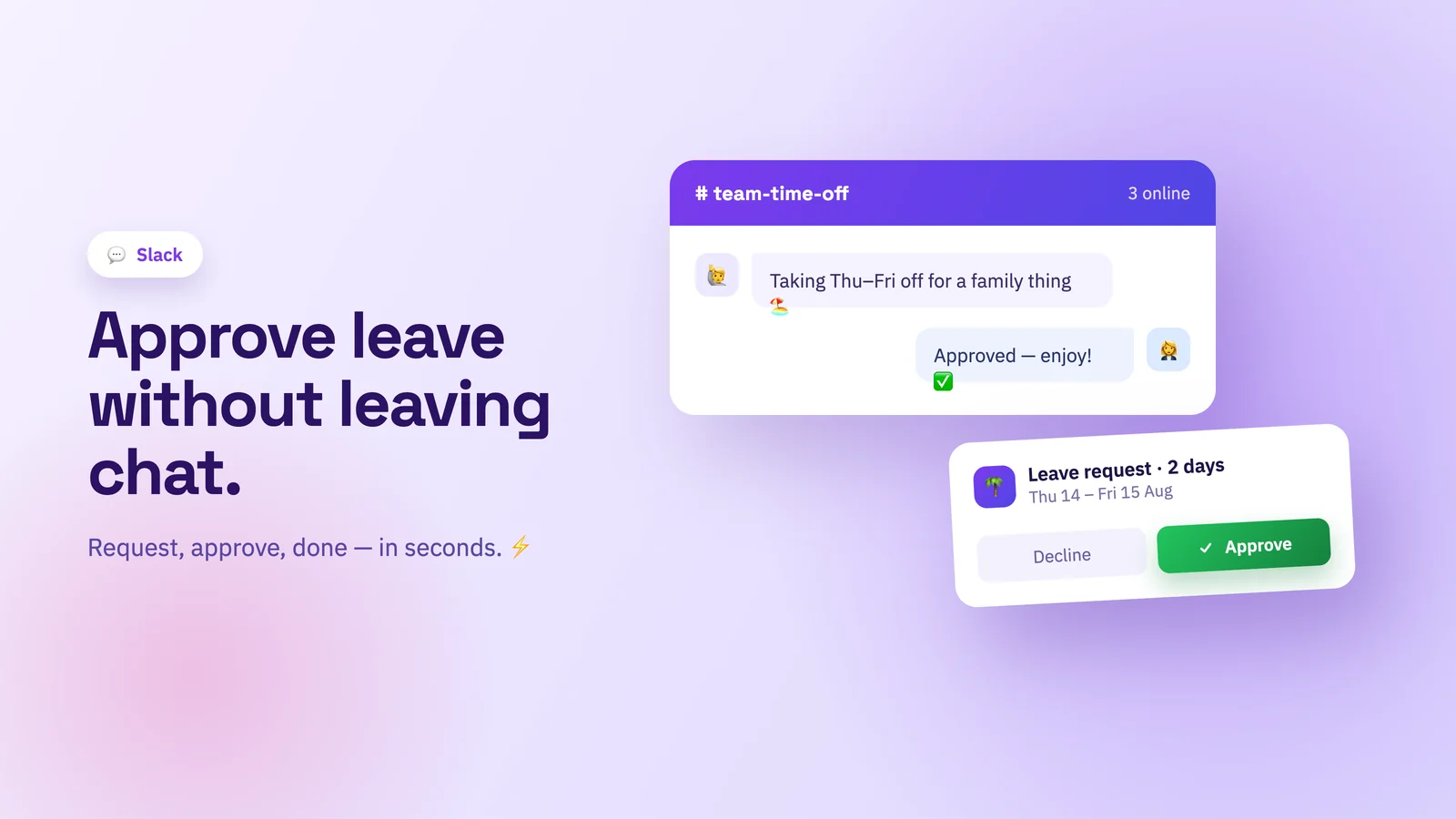
The part most "attendance bots" skip is the approval. With Tickin, a manager runs /tickin approvals and sees pending leave with Approve, Reject, and View Details buttons. /tickin corrections does the same for attendance corrections like a missed clock-out. Tapping a button uses the exact same workflow and audit log as the web app, so nothing is a shortcut that skips your process. That is what turns a novelty into real leave management.
See the team without chasing anyone
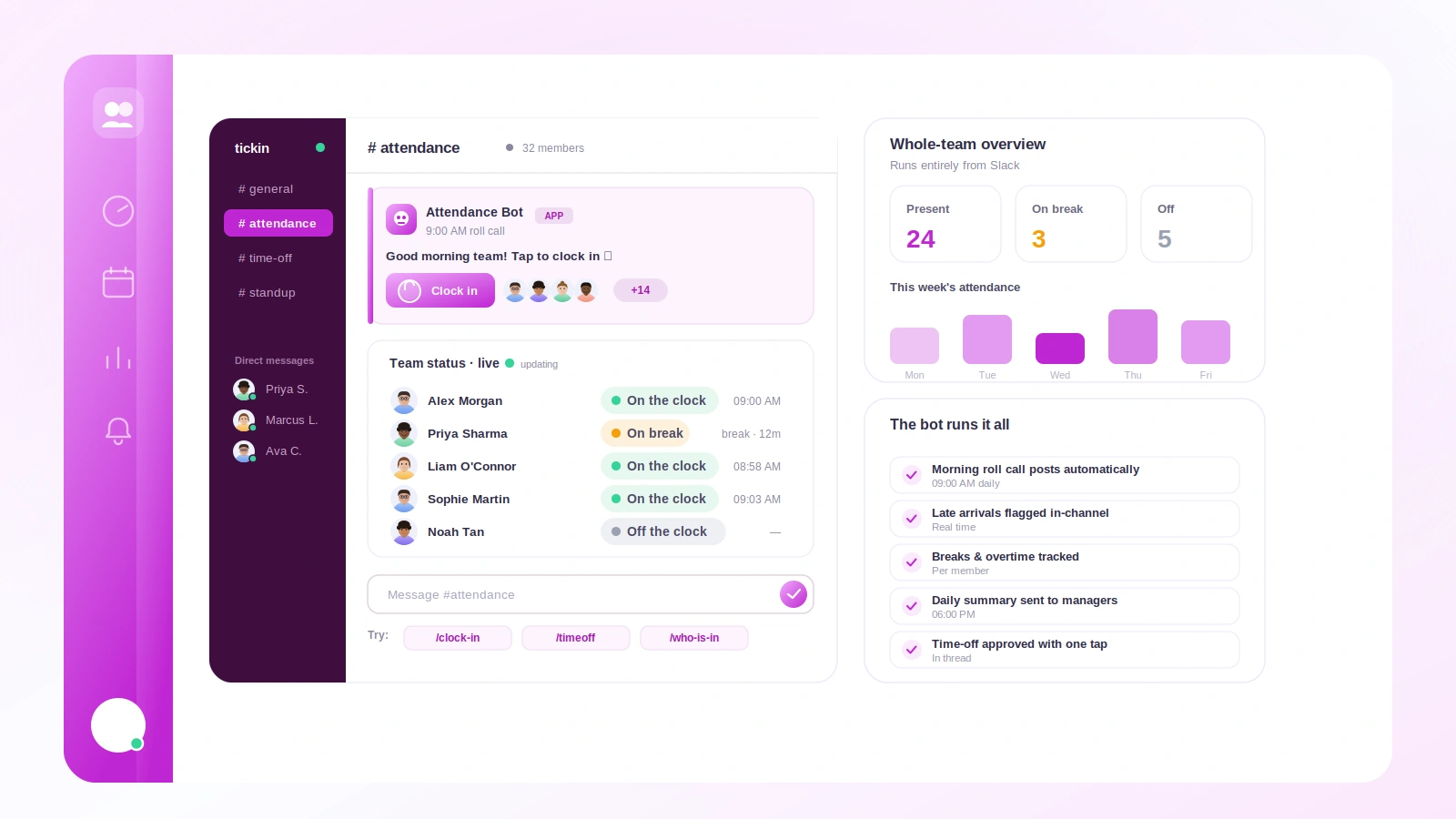
/tickin team today shows who is working, on break, late, on leave, or not checked in. /tickin dashboard adds pending approvals and a needs-attention list, like anyone late three or more times this month. To look up one person, /tickin emp opens a searchable picker, so nobody types employee IDs, and pulls their balance, attendance, profile, or recent history.
Crucially, this is permission-aware. A team lead only ever sees their direct reports, even in search. Admins get workspace-wide reach with /tickin workspace, /tickin directory, and /tickin search. Permissions are enforced on the server against the authenticated Slack user, never trusted from the message.
Alerts and scheduled reports, on your terms
Tickin sends late-arrival and early-departure alerts to managers so issues get caught early. Each person controls what reaches them with /tickin notifications, toggling categories on or off. And with /tickin report subscribe, anyone can get a daily, weekly, or monthly attendance report delivered to their Slack DMs, scoped to their role and gated by their preferences.
Setup takes minutes
Tickin is a single Slack marketplace app. Click Add to Slack, authorize with OAuth, and you are done, no tokens, webhooks, or per-channel wiring. If your team is on the Scale plan and lives in Microsoft Teams, the same experience runs there command for command. Every command is on the full /tickin command list, and what the app can and cannot access is on the Tickin for Slack page.
What a Slack attendance bot cannot do for you
Being honest about the edges is what makes the rest believable.
A bot cannot fix a policy nobody agreed to. If your grace period is undocumented, moving late-arrival alerts into Slack turns a vague irritation into a visible one, which is an improvement only if someone is prepared to answer "why was I flagged?" Write the policy down first; the bot enforces it evenly after that.
It also cannot see work that happens away from a keyboard. A Slack attendance bot records when someone said they started and stopped. If you need proof of activity between those points rather than a record of the day's shape, that is a different product category, and one with real trust costs — we wrote about introducing monitoring without wrecking trust rather than pretending the tradeoff does not exist.
And it will not rescue a team that does not live in Slack. If half your people are on the shop floor without a laptop, the chat-native advantage disappears and a kiosk or a terminal serves them better.
How it compares to a standalone attendance app
A standalone app wins on one thing: it works the same whatever chat tool you use. Everything else favours the bot. A standalone tracker needs its own login, its own habit, and its own tab, and every one of those is a place where a clock-in quietly fails to happen. That is the whole argument, and it is worth reading the longer version in Slack vs standalone time tracking.
The counter-argument you should take seriously is lock-in. If you move attendance into Slack and later move off Slack, the habit has to be rebuilt. Tickin runs the same commands in Microsoft Teams, which softens that, but it is a fair thing to weigh before you start.
Getting started
The lesson from every team that has switched is the same one: the tool people actually use beats the tool with more features. Put attendance where your team already talks, and it just happens.
Start free with up to 10 employees — no credit card, and the Slack app installs in a couple of minutes. See the full picture in the Chat Command Center, read how teams clock in and out in Slack day to day, or see how the same commands handle leave requests and approvals in Slack.