Biometric vs App-Based Attendance: Which Is Right for Your Team?
Biometric vs app-based attendance compared: how fingerprint and face systems work, their trade-offs on cost, privacy and accuracy, and when each fits.
When a business decides it needs "proof" that the right person clocked in, the first idea is often a fingerprint scanner by the door. It feels definitive — your fingerprint is yours, so the record must be honest. But biometric attendance carries costs that don't show up in the brochure: hardware, privacy law, and a technology that simply doesn't fit how a lot of modern teams work.
The real question isn't "biometric or not." It's "what problem are you actually solving, and what's the lightest way to solve it?"
TL;DR
- Biometric attendance verifies identity with a fingerprint or face scan; app-based clock-in verifies through individual logins and, optionally, location.
- Biometrics are hard to fake but need on-site hardware, raise serious privacy/legal duties, and don't work for remote teams.
- App-based clock-in is cheap, flexible, and remote-friendly, and still stops shared punches.
- Match the method to the work: fixed on-site with strict needs may justify biometrics; most teams don't.
What each approach actually does
Biometric attendance uses a physical trait to confirm identity at the clock. The two common types are fingerprint scanning and face recognition. The pitch is simple: a trait can't be handed to a colleague, so it stops one person clocking in for another.
App-based attendance takes a different route to the same goal. Instead of reading your body, it ties each clock-in to an individual account — your own login, on your own device — and can add a location check. It verifies accountability rather than biology, which turns out to be enough for most teams and far less baggage.
Both are trying to answer one question: did the right person really clock in? They just pay very different prices to answer it.
The honest comparison
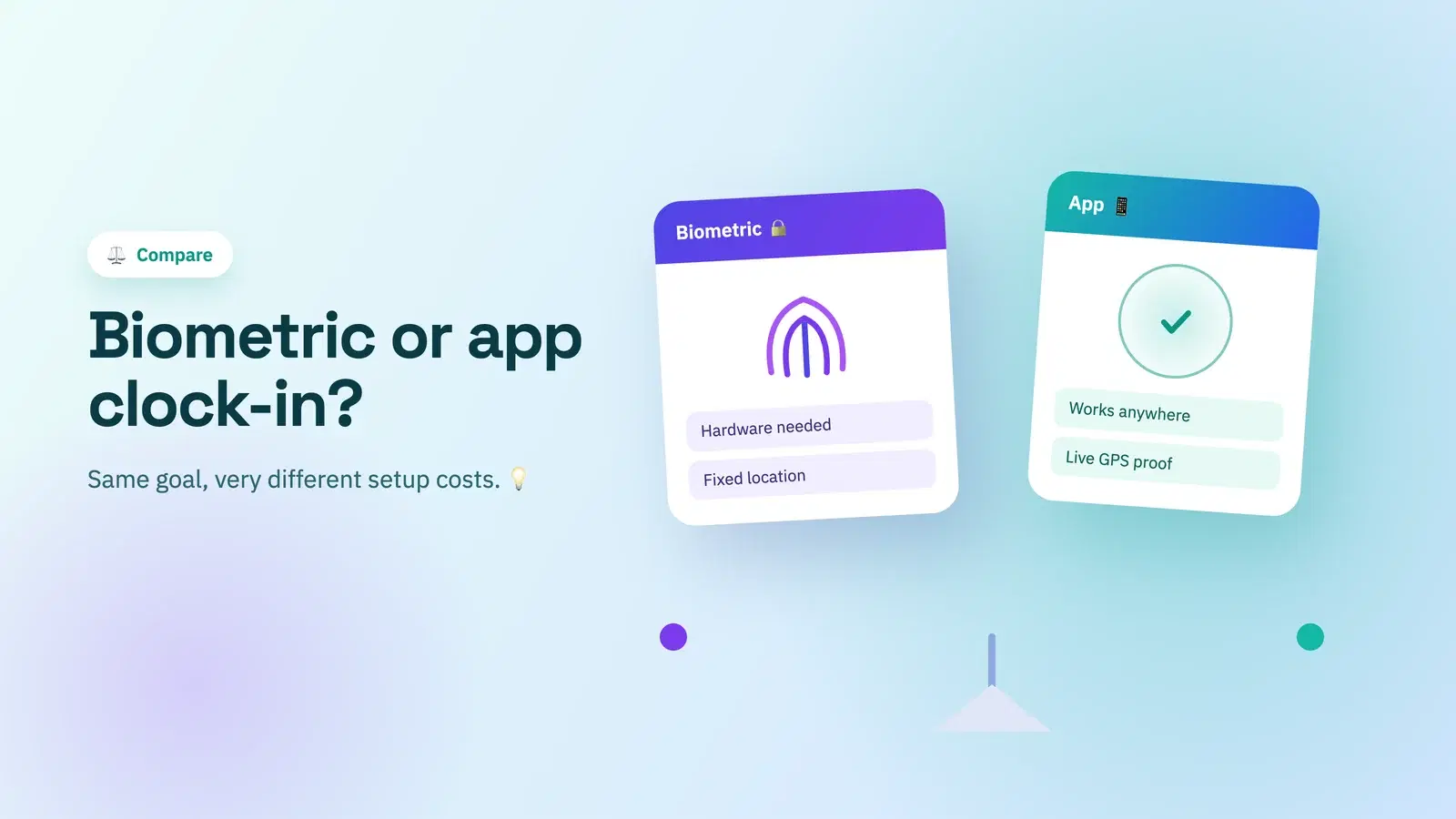
| Factor | Biometric | App-based |
|---|---|---|
| Spoofing resistance | Very high | High (individual logins + optional GPS) |
| Hardware needed | Scanners at each location | None — existing phones/computers |
| Works remotely | No | Yes |
| Privacy / legal burden | High (sensitive data) | Low |
| Cost to start | Hardware + setup | Minimal |
| Best for | Fixed on-site, high-compliance | Most teams, especially distributed |
Where biometrics genuinely fit
Biometric attendance earns its place in a narrow set of cases: a single fixed site, a workforce without individual devices, and a strict compliance or security requirement that specifically calls for identity proof at entry. Manufacturing floors and secure facilities are the classic examples. If that's you, the hardware and compliance cost may be worth it.
Where they don't
For everyone else, biometrics create problems they don't solve. They can't work for remote or distributed teams — there's no shared door to put a scanner on. They collect sensitive personal data, which brings consent, storage, and disclosure duties you're now responsible for. And they need hardware at every location. For a distributed or hybrid team, it's the wrong tool at a high price.
The privacy question you can't skip
This is the part that's easy to underweight. Biometric data — a fingerprint template, a face map — is treated as sensitive personal data in many jurisdictions, with stricter rules than an ordinary clock-in record. Collecting it means explicit consent, secure storage, breach liability, and clear disclosure. A fingerprint can't be reissued if your database leaks. App-based clock-in with a location check avoids that entire category of risk, because it never collects a biometric in the first place.
The middle path most teams want
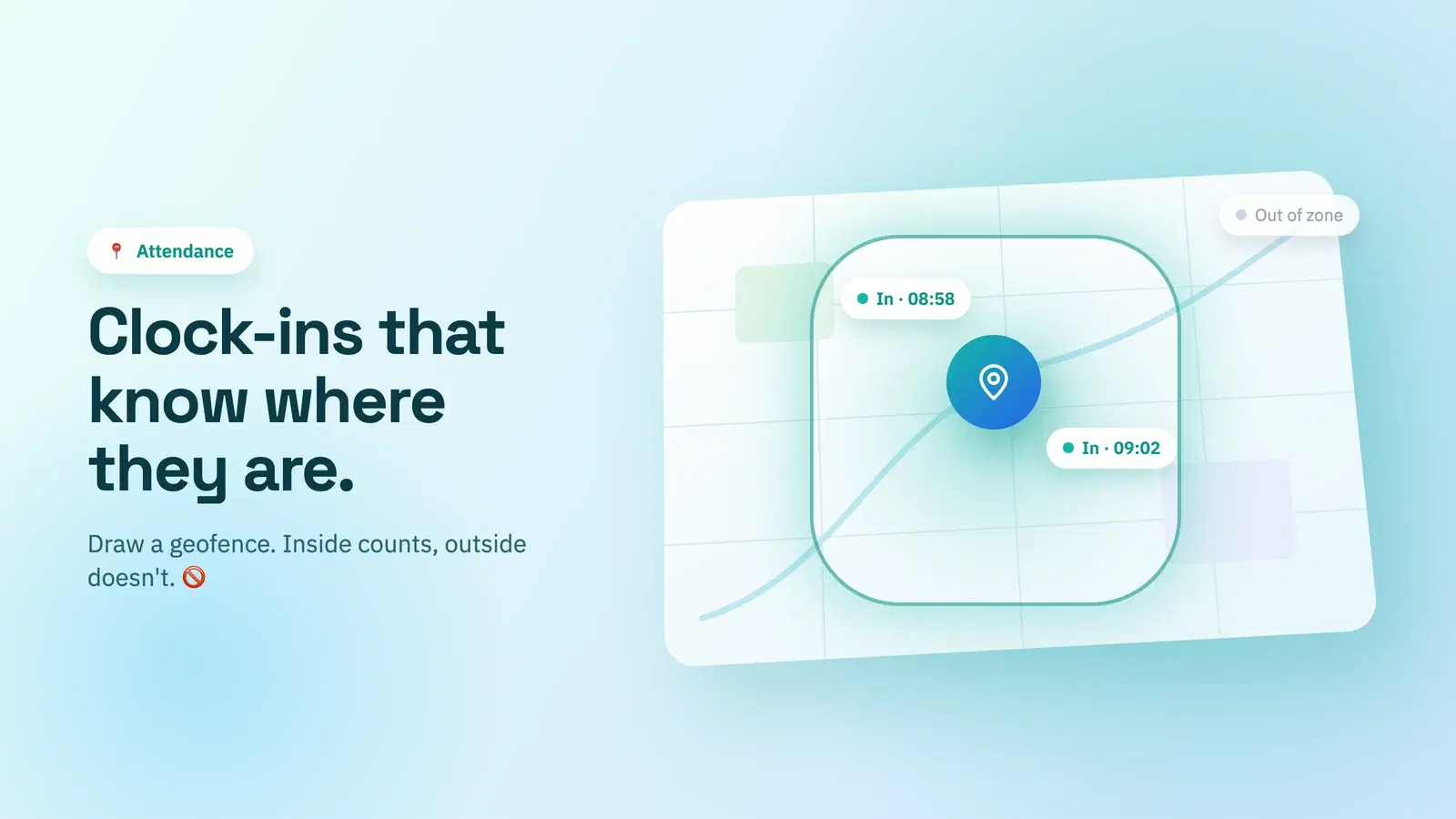
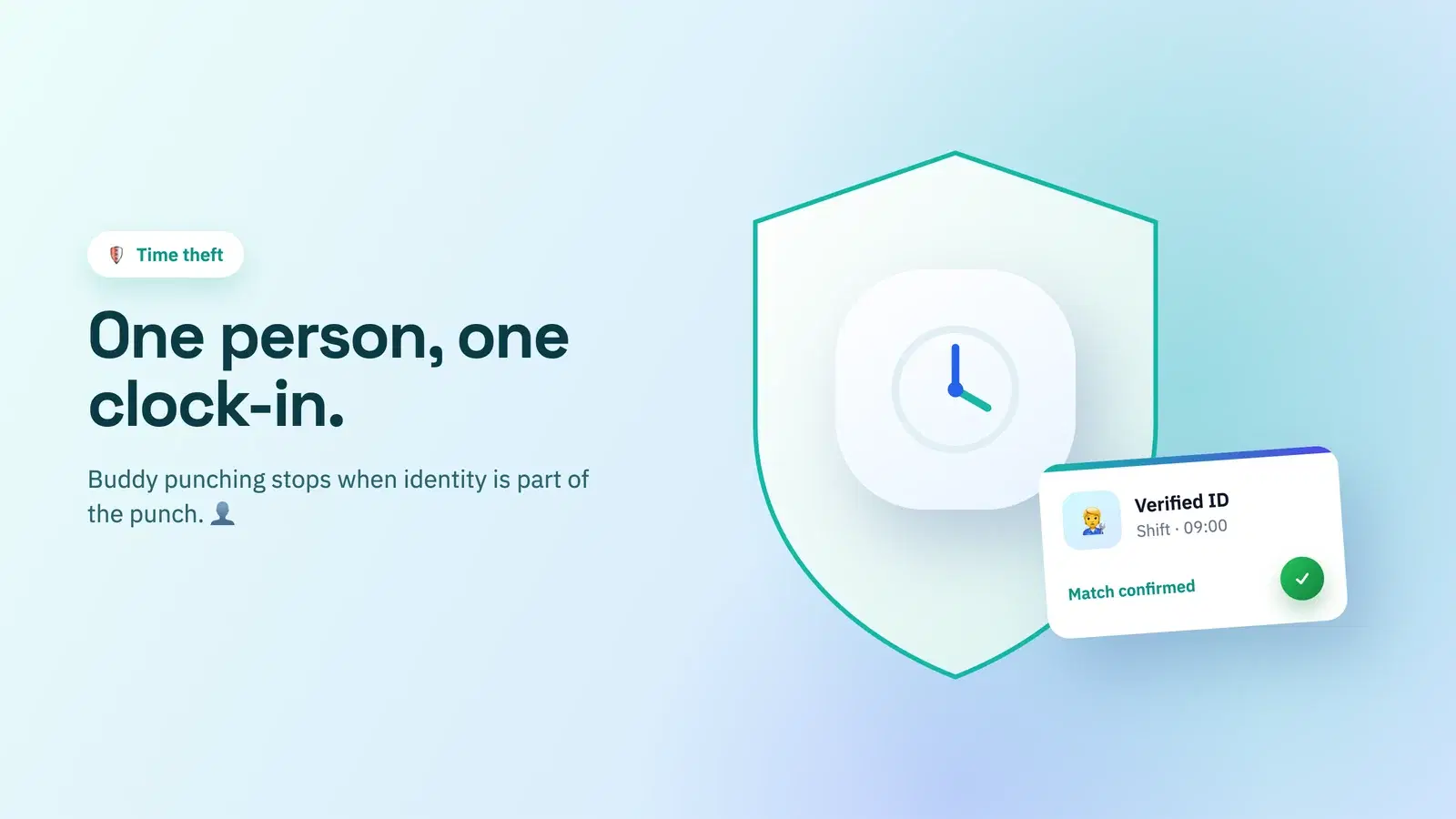
Here's what's easy to miss: you can get biometrics' main benefit — no shared or faked punches — without the hardware or the sensitive data. Individual logins tie each clock-in to a person, and optional GPS geofencing confirms location for on-site roles. Together they shut down buddy punching with none of the privacy exposure. And crucially, it works for the office team, the remote team, and the field crew from the same system, which no scanner-on-the-wall can do — the point we make in how to track attendance for a remote team.
It's the same philosophy behind avoiding heavy surveillance tooling in general, which we cover in Time Doctor alternatives without screenshot monitoring: get the accountability, skip the intrusion.
Doing this in Tickin
Tickin takes the middle path deliberately. Everyone clocks in under their own account from Slack or the web, with Microsoft Teams on the Scale plan, so punches are tied to individuals with no shared terminal to game. For on-site and field roles, optional GPS geofencing verifies location at clock-in — so you get real accountability without collecting a single fingerprint or installing any hardware.
That means one system covers your office, remote, and field staff alike, with none of the privacy and compliance weight of a biometric database. See the attendance tracking feature and how it suits early teams under attendance software for startups.
Tickin is free for up to 10 people, then $2 per employee each month on Starter.
Frequently asked questions
What is a biometric attendance system?
A biometric attendance system verifies identity at clock-in using a physical trait, most commonly a fingerprint or face scan. It's designed to confirm the right person is clocking in, rather than relying on a card, PIN, or app that could be shared.
Is biometric attendance better than app-based clock-in?
Neither is universally better. Biometric verification is hard to fake but needs on-site hardware, raises privacy and data-protection duties, and doesn't suit remote or distributed work. App-based clock-in is flexible, cheap, and remote-friendly, and can still verify identity through individual logins and location checks.
Is biometric attendance data legal to collect?
Biometric data is treated as sensitive personal data in many jurisdictions, with strict consent, storage, and disclosure rules. It's often legal with proper consent and safeguards, but the compliance burden is real. Always check your local data-protection law before deploying it.
What's the alternative to fingerprint or face attendance?
App-based clock-in with individual logins prevents shared punches, and optional GPS geofencing verifies location for on-site work, giving you strong accountability without collecting sensitive biometric data or installing hardware.
Where to go from here
Biometric attendance answers a real question — did the right person clock in? — but at a price in hardware, privacy law, and flexibility that most teams don't need to pay. Unless you're a fixed site with a strict compliance reason, individual logins plus optional location checks give you the same accountability, work everywhere, and never touch sensitive data.
Match the method to the work, not the fear. Start free with Tickin to get accountable clock-in without a scanner, then read GPS attendance and geofencing for the on-site verification piece.